

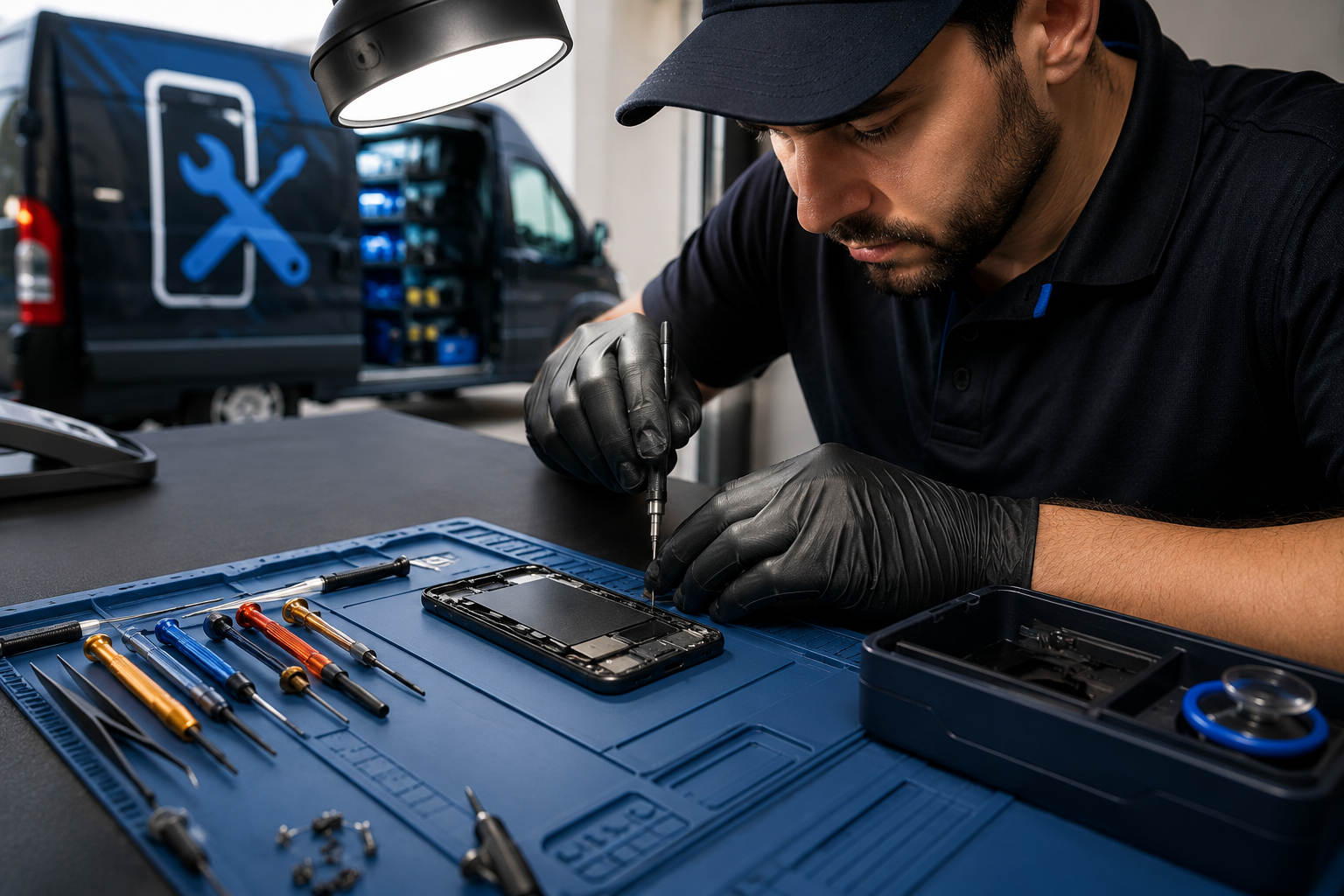
Why Is Choosing the Right Mobile Repair Shop in Lloydminster So Important?
Your phone helps you talk to family, send messages, take photos, watch videos, and do many other things. So, when your phone breaks, you want it fixed the right way. Choosing a trusted mobile repair shop in Lloydminster can help keep your phone safe and working well.
Your phone helps you talk to family, send messages, take photos, watch videos, and do many other things. So, when your phone breaks, you want it fixed the right way. Choosing a trusted mobile repair shop in Lloydminster can help keep your phone safe and working well.
A good repair team can find the real problem, explain the repair, and help you avoid more damage. The right shop can save you time, money, and stress.
Your Phone Needs More Than a Fast Fix
A phone problem may not always be easy to see. For example, your phone may not charge. You may think the battery is bad, but the real problem could be the charging port or a part inside the phone.
A good repair shop will first check your phone. This is called a diagnosis. It helps the technician find the real reason for the problem before starting the repair.
This step is very important. It can help you avoid paying for a repair that you do not need. It also helps the technician choose the best way to fix your phone.
Skilled Technicians Can Handle Tricky Problems
Phones are small, but they have many tiny parts inside. These parts need careful handling. A person without the right skills may damage the phone while trying to fix it.
This is why you should look for an experienced android phone fixer when your Android device has a problem. Android phones come in many different models. Each phone may need a different repair method.
A skilled technician knows how to check the phone and find the right solution. This can help protect your phone from more damage.
The same is true for iPhones, tablets, laptops, and other electronic devices. When you choose an experienced repair shop, you can feel better knowing your device is in careful hands.
A Good Repair Can Help Your Phone Last Longer
When a phone breaks, some people think they need to buy a new one. But this is not always true. If your phone is still in good shape, a repair may be a better choice.
Professional cell phones and repairs services can help with many common phone problems. These may include broken screens, weak batteries, charging problems, and other hardware issues.
Fixing your phone can help you use it for a longer time. It can also help you save money compared to buying a brand-new phone.
Repairing a phone can also help reduce electronic waste. When we repair a device instead of throwing it away, we help keep old electronics out of landfills.
Clear Prices Help You Avoid Surprises
Nobody likes to hear about extra costs after a repair is done. A good repair shop should tell you what is wrong with your phone and explain the expected cost before starting the work.
Clear pricing helps you make a smart choice. You can see the repair cost and decide if fixing your phone is the right option for you.
A simple repair process should be easy to understand. First, the technician checks your phone. Next, they explain the problem and give you a quote. After you approve the repair, the work begins. Once the repair is finished, the phone should be checked again.
Fast Service Is Helpful, But Good Work Matters More
Most people do not want to stay without their phones for a long time. You may use your phone for work, school, calls, messages, maps, and many daily tasks. This makes repair time an important thing to think about when choosing a mobile repair shop in Lloydminster.
Still, fast service should not mean poor service. A good repair shop should try to finish the job on time while also taking care of your device.
After the repair, the phone should be tested. This helps make sure the repaired part is working properly.
Getting your phone back quickly is great, but getting it back in good working condition is even better.
Get in Touch With Us!!
Your phone is an important part of your daily life. When it breaks, the right repair can help you save money and keep using your device. A trusted mobile repair shop in Lloydminster can find the problem, explain your options, and fix your phone with care.
Whether you have a broken screen, weak battery, or charging issue, choosing the right repair team can give you peace of mind. Contact Ufone Wireless & Electronics LTD today to learn more about our repair services.
People Also Ask
1. How do I choose the best mobile repair shop in Lloydminster?
Look for a shop with skilled technicians, clear prices, good-quality parts, and a proper repair process. It is also helpful to choose a shop that checks your phone after the repair.
2. Is repairing a damaged phone better than buying a new one?
Sometimes, yes. If your phone is still in good shape, fixing one broken part may cost less than buying a new phone. A technician can check your phone and help you choose the best option.
3. What problems can an Android phone fixer help with?
An Android phone fixer may help with broken screens, battery problems, charging issues, damaged ports, and other common phone problems. The technician should check your phone first to find the exact issue.
4. Why is professional diagnosis important for cell phones and repairs?
A phone may show one problem while having another problem inside. A proper check helps find the real cause. This can help prevent unnecessary repairs and make sure the right part is fixed.
5. How long does a phone repair usually take?
The time can be different for each repair. It depends on the phone model, the type of problem, the parts needed, and how hard the repair is. Some repairs are quick, while others need more time.
Make the Right Repair Choice for Your Device
Your phone is an important part of your daily life. When it breaks, the right repair can help you save money and keep using your device. A trusted mobile repair shop in Lloydminster can check the problem, explain your choices, and fix your phone with care.
Whether you have a broken screen, weak battery, or charging issue, choosing a skilled repair team can give you peace of mind. Contact Ufone Wireless & Electronics LTD today to learn more about our repair services.
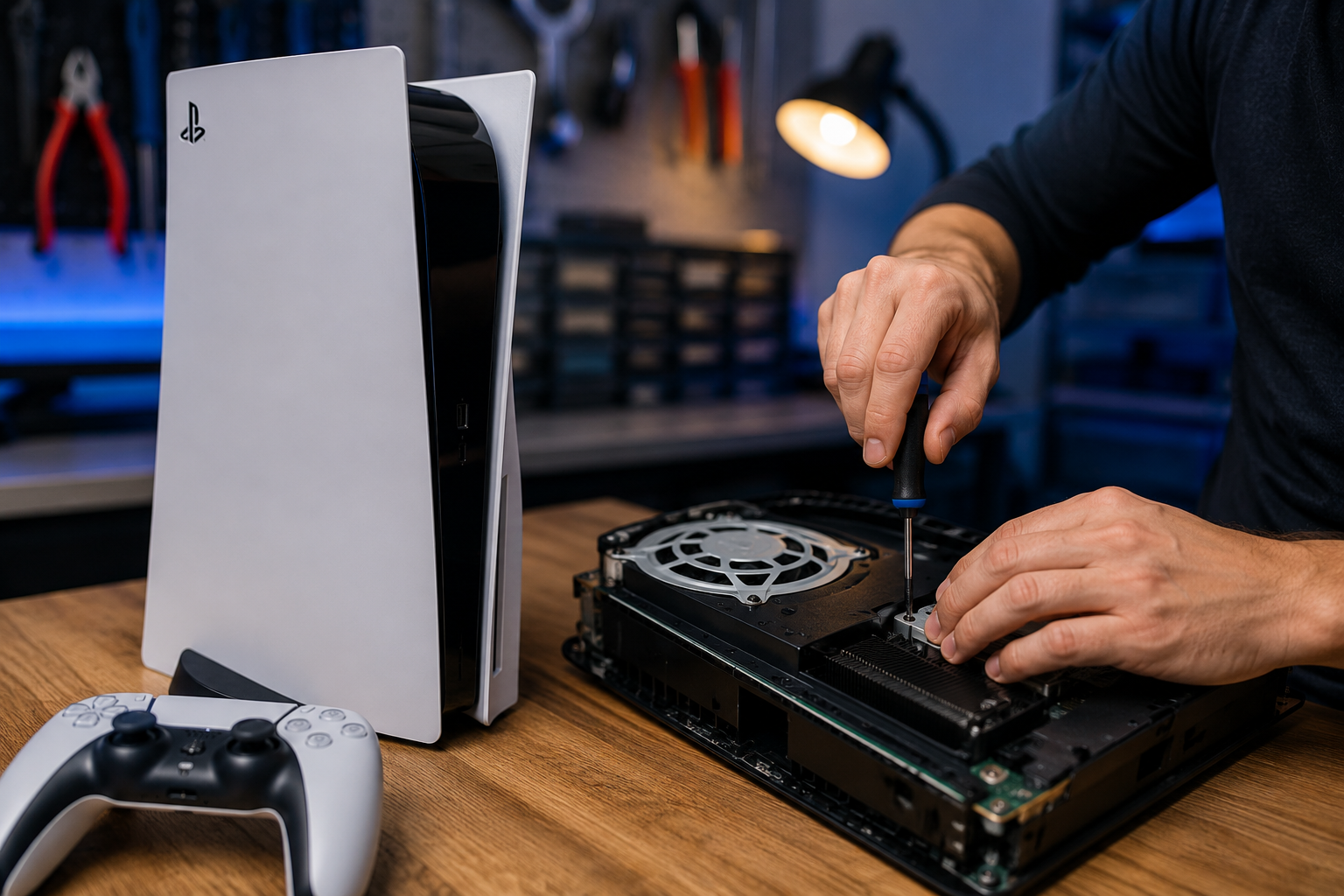
Your PS5 Won't Turn On? Here's What You Should Know About Console Repair
A PS5 that will not turn on can quickly stop your fun. You press the power button, but nothing happens. You may see no light or hear no sound. Do not worry right away. There can be many reasons why your console is not working.
A PS5 that will not turn on can quickly stop your fun. You press the power button, but nothing happens. You may see no light or hear no sound. Do not worry right away. There can be many reasons why your console is not working.
Some problems are easy to fix at home. Others may need expert help. In this guide, we will explain common causes, simple checks, and when to consider video game console repair.
Why Won't Your PS5 Turn On?
There are many reasons why a PS5 may not start. The problem could be small, such as a loose power cable. It could also be a bigger issue inside the console.
Here are some common causes:
● A loose or damaged power cable
● A faulty wall outlet
● A problem with a power strip
● A small system or software error
● Too much heat
● Dust inside the console
● A problem with the power supply
● Damage to an internal part
● A problem with the HDMI cable or TV
A black screen does not always mean your PS5 is not working. You may hear the fan or see a light. This can mean the console is on, but the picture is not showing on your TV.
Start With the Basics: Check the Power Connection
Before you look for PS5 console repair, check the power connection first. Make sure the power cable is firmly connected to the PS5. Also, check that the other end is firmly connected to the wall outlet.
You can also try another wall outlet. If you have a suitable replacement cable, you can try that too. If the PS5 still does not turn on, unplug it from the wall. Wait for a few minutes. Then plug it back in and try again.
Do not keep pressing the power button again and again if the console does not respond. If these simple steps do not help, you may need expert help.
Try a Safe Mode Restart
If your PS5 shows some signs of life but does not start in the normal way, you can try Safe Mode. First, make sure the PS5 is turned off. Then press and hold the power button. Keep holding it until you hear the second beep.
Next, connect your controller to the PS5 with a USB cable. You can then follow the steps shown on the screen. Safe Mode gives you different tools to help fix some system problems. Be careful when choosing an option. Some options may remove saved data or change your system settings.
If you cannot open Safe Mode or the PS5 turns off right away, it may be time to look for professional game console repair.
Could Overheating Be the Problem?
Your PS5 gets warm when you play games. This is normal. But it needs enough space for air to move around it. If your PS5 is in a small, closed space, it may get too hot. Dust can also block airflow and make the problem worse.
Keep your PS5 in a clean and open area. Do not place it too close to a wall or inside a tight cabinet. If your PS5 gets very hot, turns off by itself, or will not turn on after overheating, stop using it for a while. A repair expert can check the console for dust, cooling problems, or damaged parts.
When Is Professional Console Repair Needed?
If you check the power cable and outlet, but your PS5 still will not turn on, you may need professional video game console repair.
You should consider getting help if:
● The PS5 does not show any lights
● The console makes strange sounds
● You notice a burning smell
● The PS5 turns off soon after starting
● The console gets too hot again and again
● The power light acts in an unusual way
● The PS5 does not respond after basic checks
● The console was dropped or damaged
● The console stopped working after a power surge
Opening your PS5 without the right tools or skills can cause more damage. It can also make the repair harder. A trained repair professional can check the console and find the real cause of the problem.
Why Timely PS5 Repair Matters?
It is better to check a problem early. A small issue can sometimes become a bigger one if you keep using the console.
For example, repeated overheating may damage other parts inside the PS5. A power problem may also affect important internal components.
Getting PS5 console repair early can help you find the real problem. It can also help you avoid spending money on parts you do not need. A proper check can help you decide if repairing your PS5 is better than buying a new console.
Get in Touch With Us!!
A PS5 that will not turn on does not always mean it is finished. Start with simple checks like the power cable, wall outlet, and airflow. If the problem stays, do not keep trying random fixes. Professional help may be the best choice.
At Ufone Wireless & Electronics LTD, we understand how frustrating a broken gaming console can be. We are here to help you explore your repair options and find the right solution. If your PS5 needs professional attention, our ps5 console repair services can help you take the next step toward getting back to your favorite games with confidence.
People Also Ask
1. What should I do if my PS5 won't turn on at all?
Check the power cable and wall outlet first. Unplug the PS5 for a few minutes. Then plug it back in and try again. If it still does not work, you may need professional help.
2. Can a PS5 that won't turn on be repaired?
Yes, many PS5 problems can be repaired. The answer depends on what is causing the problem. A repair expert can check the console and find out what needs to be fixed.
3. How do I know if my PS5 has a power supply problem?
If your PS5 has no light, no sound, and does not respond when you press the power button, there may be a power problem. However, other issues can cause the same signs. A proper check is needed to find the exact cause.
4. Is it worth repairing a PS5 instead of replacing it?
It depends on the problem and the repair cost. It also depends on the condition of your console. A professional check can help you compare the repair cost with the cost of getting another PS5.
5. Can I fix my PS5 myself?
You can try simple checks at home. These include checking the cables, wall outlet, airflow, and Safe Mode. Internal repairs are much harder. They may need special tools and skills. For hardware problems, professional game console repair is usually a safer choice.
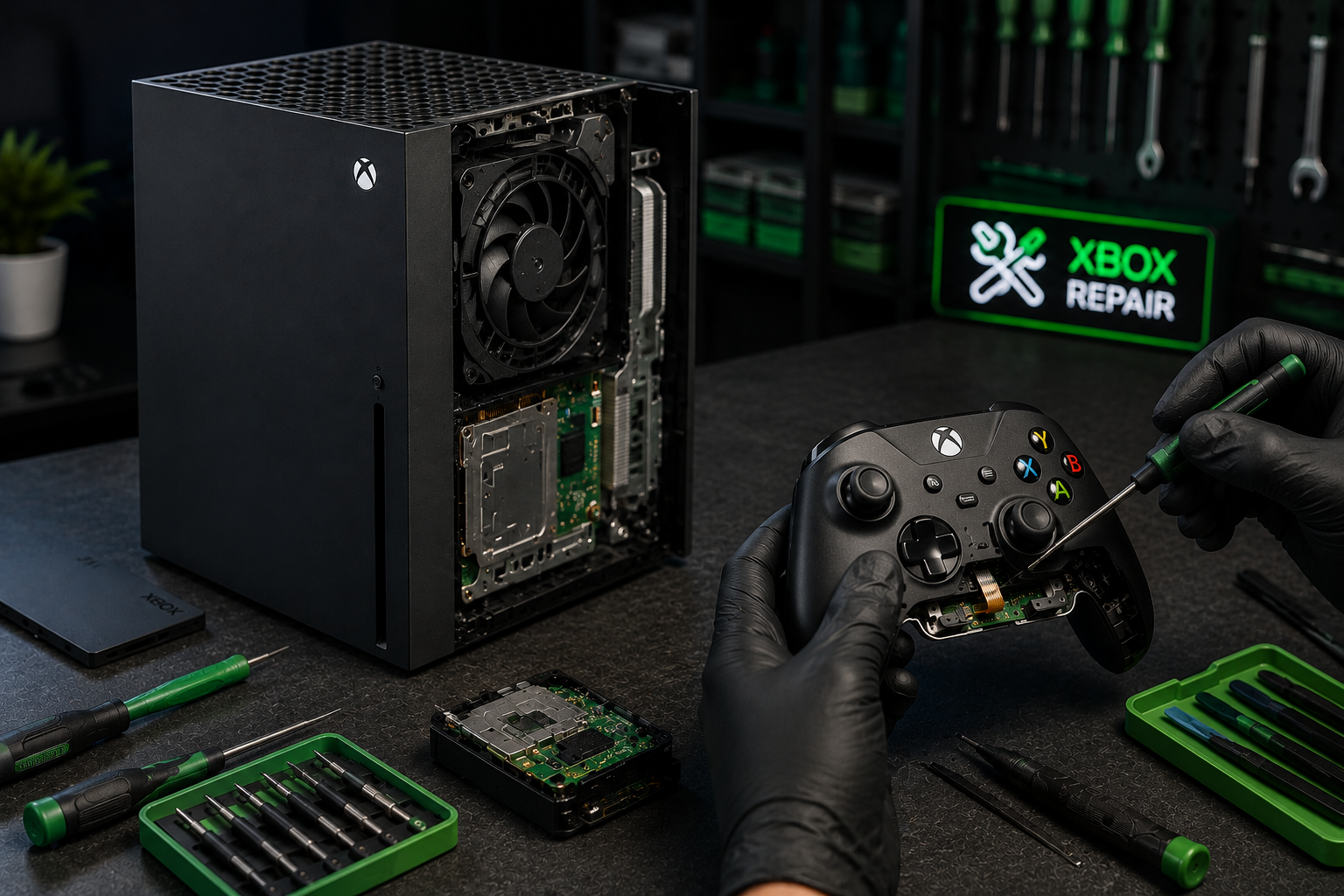
Why Should You Trust Experienced Technicians for Xbox Console Repair?
Playing games is fun until your Xbox suddenly stops working. Your screen may stay black, your games may freeze, or your controller may stop responding. This can be upsetting, but it does not always mean you need a new console.
Playing games is fun until your Xbox suddenly stops working. Your screen may stay black, your games may freeze, or your controller may stop responding. This can be upsetting, but it does not always mean you need a new console.
A professional Xbox console repair service can find the real problem and fix it the right way. Skilled technicians know how to repair your console safely, helping it work well again so you can enjoy your favorite games for a long time.
Why Do Xbox Consoles Stop Working?
An Xbox console has many small parts inside. These parts work together to help you play games, watch videos, and enjoy your favorite adventures.
After a long time, some parts become old or worn out. Dust can also build up inside the console. If the console falls or gets bumped, some parts may stop working. Even using the console for many hours every day can cause problems over time.
Here are some common problems:
● The console will not turn on.
● The screen stays black.
● The fan becomes very loud.
● The console gets too hot.
● Games freeze while you play.
● The disc drive does not read game discs.
Many of these problems can be repaired by an experienced technician.
Xbox Console Repair Helps Your Console Work Again
A professional Xbox console repair service does much more than replace broken parts. Before starting any repair, a technician checks the whole console carefully.
They look at the power system, cooling fan, HDMI port, disc drive, and other important parts. This helps them find the real problem instead of guessing.
If one part is damaged, they replace only that part. They also test the console after the repair to make sure everything works properly.
This careful process helps your Xbox last longer and gives you a better gaming experience.
Why Experience Is So Important?
Xbox consoles are made with many tiny parts. These parts are delicate and need careful handling. Experienced technicians know how to open the console safely without damaging the inside. They also know how to find hidden problems that may not be easy to see.
They use special repair tools and follow careful repair steps. This helps protect your console while making sure every repair is completed correctly. When repairs are done by someone with experience, your Xbox has a much better chance of working like it should again.
Common Repairs That Experts Perform
Repair experts fix many different Xbox problems every day.
1. HDMI Port Repair
The HDMI port connects your Xbox to your TV. If it becomes loose or broken, your TV may not show any picture.
A technician can replace the damaged HDMI port so your games appear clearly again.
2. Cooling System Repair
Dust can build up inside the console and block the cooling fan. Cleaning the fan and replacing old thermal paste helps the Xbox stay cool while you play.
3. Disc Drive Repair
Sometimes the disc drive cannot read your games. A repair technician can clean, repair, or replace damaged parts so the console reads discs properly again.
4. Power System Repair
If your Xbox does not turn on, the power system may have a problem. A technician carefully checks the power parts and repairs or replaces the damaged ones.
Enhancing Your Gaming Experience with Xbox Controller Repair
Sometimes the console works well, but the controller has the problem. Professional Xbox controller repair can fix many common controller issues.
For example:
● The joystick moves by itself.
● Buttons stop working.
● The controller does not charge.
● The battery runs out quickly.
● The controller keeps disconnecting.
Repair experts can replace worn parts and test the controller before giving it back to you. This helps you enjoy smoother and more comfortable gameplay.
Why Fixing It Yourself Can Be Risky?
Many people watch repair videos on the internet and think they can repair an Xbox at home. But opening a console is not always easy. Inside are very small screws, tiny wires, and delicate electronic parts. If even one small part is damaged, the repair can become much more expensive.
Professional technicians have the right tools and know how to repair the console safely. Choosing expert repair helps protect your Xbox from extra damage.
Signs Your Xbox Needs Repair
Your Xbox often gives warning signs before it completely stops working.
Watch for these problems:
● The console shuts down while you are playing.
● Games freeze often.
● The fan makes loud noises.
● The console becomes very hot.
● Nothing appears on the TV screen.
● The controller disconnects many times.
Getting help early can stop small problems from becoming much bigger ones.
Should You Repair or Replace Your Xbox?
Many people think they need a brand-new console when something goes wrong. But that is not always true.
You should repair Xbox console problems when:
● Only one or two parts are damaged.
● For the most part, the console is still functional.
● Repair costs much less than buying a new Xbox.
● You want to keep your saved games and settings.
● The console still plays the games you enjoy.
A repair expert can inspect your Xbox and tell you the best choice.
How to Choose a Good Repair Shop?
Choosing the right repair shop is very important. A good repair shop will check your console carefully before starting the repair.
Look for these things:
● Skilled and experienced technicians.
● Good quality replacement parts.
● Honest prices.
● A repair warranty.
● Good customer reviews.
● Careful testing after every repair.
A trusted repair shop wants your Xbox to work well for a long time.
Connect With Us!!
A broken Xbox does not always mean it is time to buy a new console. Professional Xbox repair services can help your gaming system work smoothly again and last much longer.
At Ufone Wireless & Electronics LTD, we carefully inspect every console and controller to find the real problem. We use quality parts, trusted repair methods, and experienced technicians to provide reliable repairs. We are always ready to help you get back to your favorite games with confidence.
People Also Ask
1. Can an Xbox console be repaired instead of replaced?
Yes. Many Xbox problems can be repaired instead of buying a new console. Problems like overheating, HDMI port damage, disc drive issues, and power problems can often be fixed by experienced technicians. A professional inspection helps you know if repairing your Xbox is the best and most affordable choice.
2. How long does Xbox repair usually take?
The repair time depends on the problem. Small repairs may be finished on the same day or within a few days. Bigger repairs that need special parts or extra testing can take longer. Your repair technician will let you know how long the repair is expected to take.
3. Is it worth repairing an older Xbox console?
Yes, in many cases it is. If your Xbox still plays your favorite games and the repair costs much less than buying a new one, repairing it can save money. A technician can inspect the console and help you decide what is best for your situation.
4. Can Xbox controllers be repaired?
Yes. Many controller problems can be repaired, including stick drift, broken buttons, charging problems, weak batteries, and connection issues. Repairing your controller is often less expensive than buying a new one and helps you continue enjoying your games without spending extra money.
5. Why should I choose a professional repair service?
Professional technicians have the right tools, training, and experience to repair Xbox consoles safely. They carefully check every part, find the real problem, and test the console after the repair. This helps your Xbox work properly again while lowering the chance of future problems.
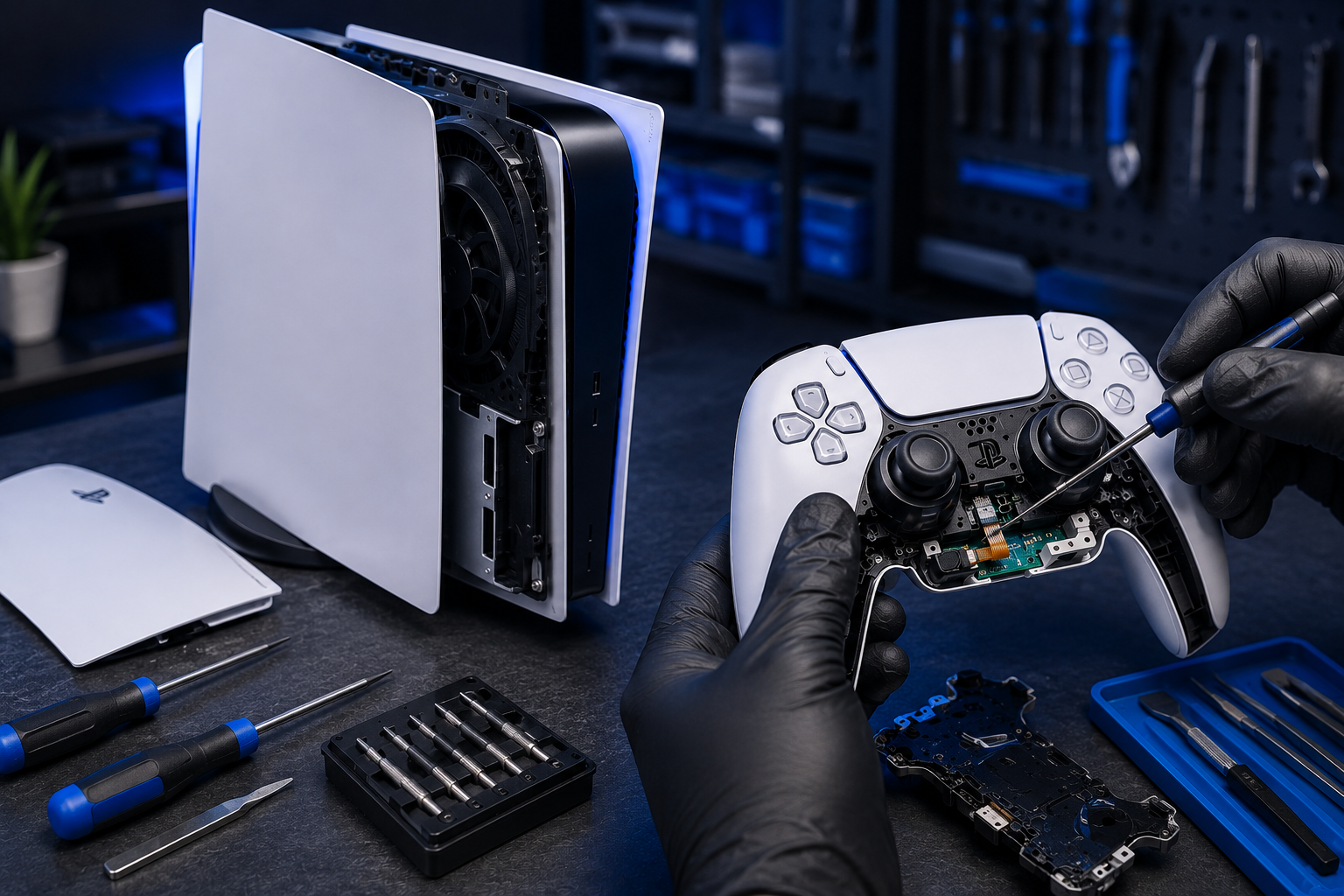
Why Your PS5 Controller Keeps Acting Up and How Experts Fix It
Your game should be fun, not frustrating. If your controller stops working, your game can become very hard to play. The good news is that many controller problems can be fixed. A professional ps5 controller repair service can find the problem and repair it safely.
Your game should be fun, not frustrating. If your controller stops working, your game can become very hard to play. The good news is that many controller problems can be fixed. A professional ps5 controller repair service can find the problem and repair it safely.
Whether your buttons stop working, your joystick moves by itself, or your controller will not charge, expert repair can help your controller work like new again and keep you playing your favorite games longer.
Why Does a PS5 Controller Stop Working?
A PS5 controller is made to last for many hours of gaming. But after a long time, some parts inside can wear out. Small accidents can also cause problems.
Here are some common reasons why a controller stops working:
● The joystick starts moving by itself.
● The buttons become sticky or stop working.
● The battery does not stay charged for long.
● The charging port becomes loose or damaged.
● The controller cannot connect to the console.
● The controller falls on the floor or gets wet.
Some problems happen slowly. Others happen all at once. No matter how the problem starts, many of them can be repaired.
PS5 Controller Repair Can Solve Many Problems
A professional ps5 controller repair service does much more than replace broken parts. Skilled technicians first check the controller from the inside and outside. This helps them find the real cause of the problem.
If a button is broken, they replace it. If the joystick is worn out, they install a new one. If the battery is weak, they replace it with a new battery. They also test everything before giving the controller back.
This careful work helps your controller play smoothly again. It can also stop small problems from becoming bigger ones later.
Signs That Your Controller Needs Repair
Your controller often gives small signs before it stops working completely.
Watch for these warning signs:
● Your game character moves without touching the joystick.
● The buttons do not respond quickly.
● The controller keeps disconnecting.
● The battery runs out very fast.
● Charging takes a long time.
● The controller feels hot while charging.
If you notice any of these problems, it is a good idea to get your controller checked. Early repairs are often easier and less costly.
How Experts Find the Real Problem?
Repair experts do not guess what is wrong. They check every important part carefully.
They test the:
● Joysticks
● Buttons
● Triggers
● Battery
● Charging port
● Bluetooth connection
● Inside circuit board
After checking everything, they know exactly what needs to be repaired. This helps make sure the controller works properly again.
Common Repairs That Help Your Controller Work Again
Many controller problems can be fixed without buying a new one.
● Fixing Stick Drift
Stick drift happens when the joystick moves even though you are not touching it. Experts replace the worn joystick parts to stop this problem.
● Repairing Buttons
Buttons may stop working because they become dirty or worn out. Repair technicians clean or replace the damaged parts.
● Replacing the Battery
Old batteries do not hold power for very long. A new battery lets you enjoy longer gaming sessions.
● Repairing the Charging Port
A broken charging port makes it hard to charge the controller. Replacing it helps your controller charge safely again.
● Cleaning the Inside
Dust and dirt can collect inside the controller. A careful cleaning helps many buttons and triggers work more smoothly.
Sometimes the Problem Is the Console
Sometimes the controller is not the only problem. Your PlayStation console may also need attention. If your controller keeps losing connection or does not pair with the console, the problem may be inside the system.
In these cases, professional PlayStation ps5 repair can help find problems with the console's Bluetooth system, charging functions, or other important parts. Repairing both the controller and the console can help everything work together again.
Why Professional Repair Is the Best Choice?
Many people watch repair videos online and want to fix the controller themselves. But controllers have many tiny parts inside. Small cables, little screws, and delicate parts can break if they are handled the wrong way.
Professional repair offers many benefits:
● Skilled technicians know what to do.
● Special tools help protect small parts.
● Quality replacement parts are used.
● Every repair is tested before the controller is returned.
● The chance of causing more damage is much lower.
Choosing professional repair helps keep your controller safe.
Easy Ways to Take Care of Your Controller
A little care can help your controller last much longer.
Follow these simple tips:
● Keep food and drinks away while playing.
● Clean the controller with a soft cloth.
● Do not throw or drop the controller.
● Use the correct charging cable.
● Keep it in a clean and dry place.
● Press the buttons gently.
These easy habits help protect your controller every day.
Should You Repair or Replace Your Controller?
Buying a new controller can cost a lot of money. Many times, repairing the one you already have is the smarter choice.
Repair is often the better option when:
● Only one part is broken.
● The battery has become weak.
● The joystick has stick drift.
● The buttons stop working.
● The controller still looks good on the outside.
If your controller and console both have problems, professional ps5 repair services can check everything and tell you the best way to fix your gaming setup.
Let Us Help You Get Back to Gaming
A controller that does not work well does not always need to be replaced. Many problems can be repaired by experienced technicians. At Ufone Wireless & Electronics LTD, we carefully inspect every controller and console to find the real problem.
Whether you need controller repairs or complete ps5 repair services, we use quality parts and professional repair methods to help you enjoy smooth gaming again. We are here to help you get back to your favorite games with confidence and reliable service.
People Also Ask
1. Can stick drift on a PS5 controller be repaired?
Yes. Stick drift is one of the most common controller problems, and it can often be repaired by replacing the worn joystick parts. A skilled technician can inspect the controller, fix the damaged components, and restore smooth, accurate movement so you can enjoy a better gaming experience.
2. Why does my PS5 controller keep disconnecting?
A PS5 controller may disconnect because of a weak battery, Bluetooth connection issues, software problems, or damaged internal parts. A professional inspection can identify the exact cause and help fix the problem, allowing your controller to stay connected during every gaming session.
3. How long does a PS5 controller repair take?
The repair time depends on the problem. Simple repairs, such as replacing a battery or fixing a charging port, may be completed on the same day. More complex repairs that require special parts or detailed testing may take a little longer to finish properly.
4. Is repairing a PS5 controller cheaper than buying a new one?
In many cases, yes. Repairing common issues like stick drift, charging problems, or faulty buttons usually costs much less than buying a brand-new controller. Choosing repair can save money while helping you continue using the controller you already know and enjoy.
5. Can a broken charging port on a PS5 controller be repaired?
Yes. A damaged charging port can often be replaced by an experienced repair technician. After the repair, your controller should charge properly again, helping you avoid charging problems and allowing you to enjoy longer, uninterrupted gaming sessions.
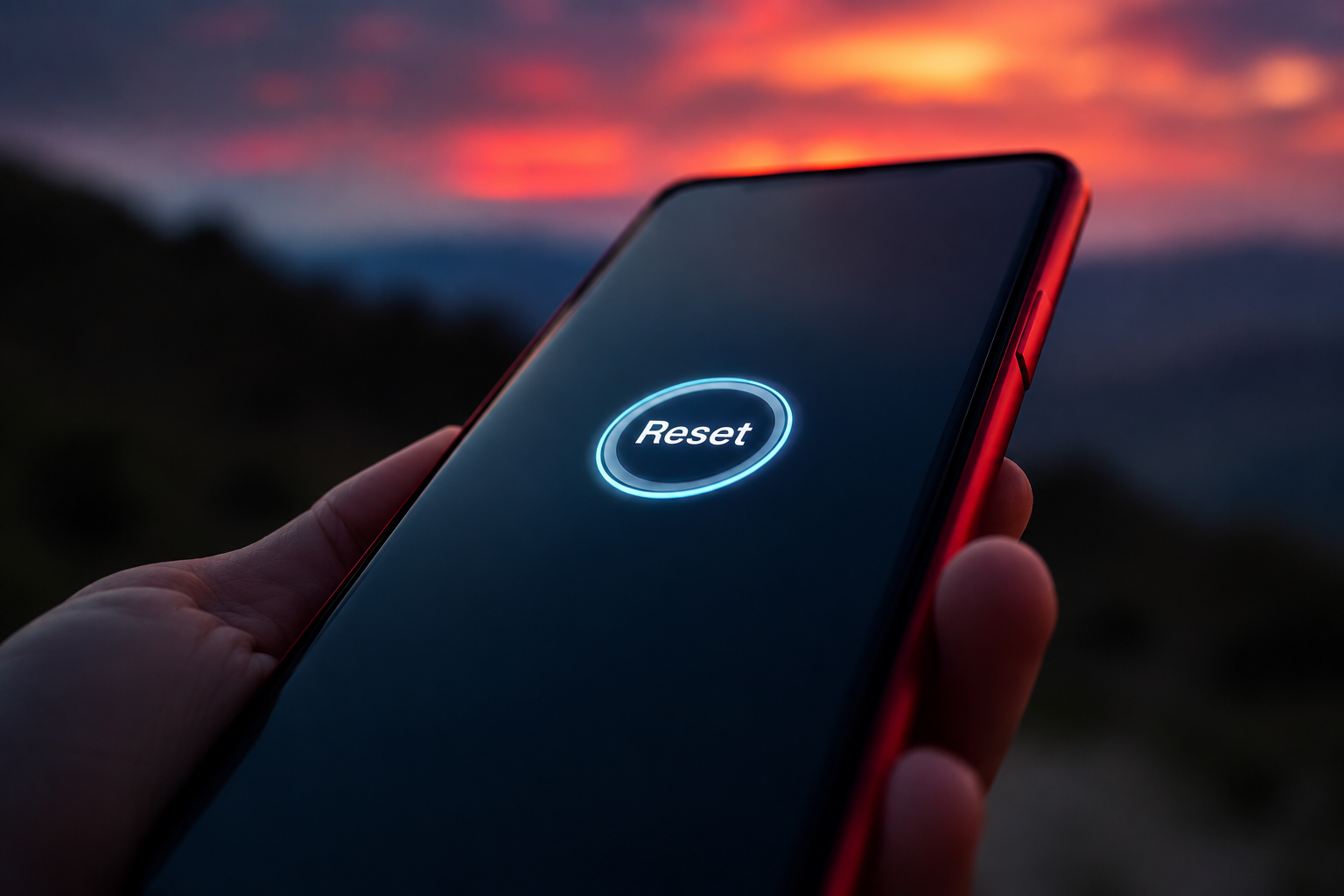
How To Reset Your Samsung Phone in Minutes?
Is your phone running slowly, freezing often, or not working the way it should? A quick reset can help fix many common problems and make your device work better again. If you are wondering how to reset Samsung phone, this guide will walk you through the process in simple steps.
Give Your Phone a Fresh Start in Just a Few Steps
Is your phone running slowly, freezing often, or not working the way it should? A quick reset can help fix many common problems and make your device work better again. If you are wondering how to reset Samsung phone, this guide will walk you through the process in simple steps.
Whether you want to solve a software issue, clear personal data before selling your phone, or start fresh, resetting your device can be a smart solution. The best part is that most reset methods only take a few minutes to complete.
Why Resetting Your Samsung Phone May Be Necessary?
Over time, phones collect a lot of data, apps, and settings. Sometimes these can cause your device to slow down or stop working properly. Resetting your phone can help fix these problems.
Here are some common reasons people reset their phones:
● Apps keep crashing
● The phone freezes often
● The battery drains too quickly
● The device runs very slowly
● Software updates cause problems
● You want to remove all personal information
Before resetting your phone, make sure you save any important files, photos, or contacts.
FAQ: Will resetting my phone delete everything?
Not always. A simple restart does not remove your files. On the other hand, a factory reset removes everything of your personal information, including settings, images, and apps. Always create a backup first.
How to Reboot Samsung Devices Safely?
Sometimes your phone only needs a restart. A reboot can fix small issues without removing any of your data.
Steps to Restart Your Phone
Press and hold the Power button.
Tap the Restart option.
Hold off till the phone switches off and back on.
If your screen is frozen:
Press and hold the Power and Volume Down buttons together.
Keep holding them for about 10 seconds.
Release the buttons when the Samsung logo appears.
Learning how to reboot Samsung devices can help solve many small problems quickly and easily.
FAQ: How often should I restart my Samsung phone?
Restarting your phone once every week or two can help keep it running smoothly by clearing temporary files and refreshing the system.
How to Reset Samsung Mobile Through Settings?
If restarting does not solve the problem, you can try resetting some settings on your device.
What Is a Soft Reset?
A soft reset refreshes certain settings without deleting your personal files.
Steps for a Soft Reset
Open Settings.
Tap General Management.
Select Reset.
Choose the reset option that fits your needs.
You may see options such as:
● Reset Network Settings
● Reset Accessibility Settings
● Reset All Settings
This method is useful when features like Wi-Fi, Bluetooth, or other settings stop working properly.
FAQ: What is the difference between a soft reset and a factory reset?
A soft reset keeps your personal files safe and only refreshes settings. A factory reset removes everything and returns the phone to its original state.
How to Factory Reset Samsung Phone Using Settings?
If your phone still has serious problems after trying other fixes, a factory reset may be the best choice.
Things to Do Before You Begin
Before starting, make sure you:
● Back up your important files
● Save your photos and videos
● Remember your Google account details
● Charge your phone to at least 50%
Factory Reset Steps
Open Settings.
Tap General Management.
Select Reset.
Tap Factory Data Reset.
Read the information shown on the screen.
Tap Reset.
Confirm your choice.
Many people search for how to factory reset Samsung phone when they need to fix major software issues or prepare a device for a new owner.
FAQ: How long does a factory reset take?
Most Samsung phones finish the process in about 5 to 15 minutes. The exact time depends on the phone model and how much data is stored on it.
Factory Reset Using Recovery Mode
Sometimes you cannot access the Settings app because the phone is locked or not responding. In this case, Recovery Mode can help.
Steps to Use Recovery Mode
Turn off your phone.
Hold down the Power and Volume Up keys simultaneously.
When the Samsung logo shows, let go of the buttons.
To navigate the menu, use the volume buttons.
Select Wipe Data/Factory Reset.
Press the Power button to confirm.
Choose Yes.
Select Reboot System Now.
This method can be very useful if your phone has serious software problems.
FAQ: Can I factory reset a phone if I forgot the password?
Yes. Recovery Mode allows you to reset the phone even if you cannot unlock it. After the reset, you may need to sign in with the Google account that was previously linked to the device.
FAQ: What data should I back up before resetting?
You should save any files you do not want to lose, including photos, contacts, videos, messages, and important documents.
Common Problems a Reset Can Fix
Resetting a phone can solve many software-related issues.
Some examples include:
● Slow performance
● Apps that stop working
● Frozen screens
● Battery drain caused by software problems
● Connection issues with Wi-Fi or Bluetooth
● Problems after installing updates
While a reset can fix many software issues, physical damage may still require professional repair.
FAQ: Will a factory reset improve performance?
Yes. A factory reset removes unwanted files, settings, and software problems that may be slowing down your device. Many users notice better speed and performance after the reset.
Connect With Us!!
Knowing how to reset Samsung mobile devices can help you fix common problems, improve performance, and protect your personal information before selling your phone. Whether you choose a simple restart, a settings reset, or a full factory reset, following the correct steps can make the process easy and safe.
If your phone still needs professional attention, we are here to help. At Ufone Wireless & Electronics LTD, we provide trusted support, smartphone solutions, device repairs, and wireless services to help you stay connected. Our team is committed to offering reliable assistance and quality service whenever you need it.
Why Is My iPhone Stuck on SOS Only and How to Fix It
When your iPhone suddenly shows iPhone SOS only at the top of the screen, it can be confusing. You may not be able to make calls, send messages, or use mobile data like usual. Many people think something is wrong with their phone, but that is not always the case.
Seeing "SOS Only" on Your iPhone Can Be Scary, But Don't Worry!
When your iPhone suddenly shows iPhone SOS only at the top of the screen, it can be confusing. You may not be able to make calls, send messages, or use mobile data like usual. Many people think something is wrong with their phone, but that is not always the case.
This warning typically shows up when your iPhone is unable to connect to your usual cellular network. Fortunately, the issue is frequently easy to resolve. It could be caused by weak signal coverage, a SIM card issue, outdated settings, or a temporary network problem.
In this guide, we'll explain what the SOS Only message means, why it appears, and the steps you can take to get your iPhone connected again.
What Does SOS Only Mean on an iPhone?
When your iPhone shows SOS Only, it means your phone cannot find or connect to your carrier's network.
Your phone still tries to keep you safe. That is why it allows emergency calls through another available network nearby.
When this happens, you may notice:
● The words "SOS Only" at the top of the screen
● No signal bars or very low signal
● Mobile data not working
● Calls not going through
● Messages not sending
This feature is built into iPhones to help users reach emergency services even when their normal network is unavailable.
FAQ: Can I still make phone calls when my iPhone says SOS Only?
You cannot make regular calls or send normal text messages. However, you can still contact emergency services if a network is available.
Why Is My Phone in SOS Mode?
There are several reasons why your iPhone may show SOS Only. Let's examine the most frequent ones.
1. Weak Signal
If you are in a basement, elevator, parking garage, or remote area, your phone may not get enough signal.
2. Network Problems
Sometimes your carrier may have a temporary outage. During this time, your phone cannot connect normally.
3. SIM Card Issues
Your SIM card helps your phone connect to the network. If it is damaged or not placed correctly, your phone may enter SOS mode.
4. Software Problems
A small bug in the phone's software can sometimes affect network connections.
5. Old Carrier Settings
Your carrier settings help your phone communicate with the network. If they are outdated, connection problems can happen.
6. Account Issues
If there is a problem with your mobile account, your carrier may stop network access until the issue is fixed.
FAQ: Does SOS Only mean my iPhone is damaged?
No. Most of the time, the problem is caused by network or SIM card issues. Usually, this does not indicate that the phone is damaged.
How to Fix SOS Only on iPhone?
If your phone is stuck in SOS mode, try these simple fixes.
1. Move to a Better Location
Your iPhone may occasionally display SOS only because it is unable to locate a strong signal. This often happens when you are in places like basements, elevators, parking garages, tunnels, or areas far away from cell towers.
Try moving to a different location, such as outdoors or near a window, where the signal may be stronger. Once your phone finds a better network connection, it may automatically reconnect and remove the SOS Only message.
2. Turn Airplane Mode On and Off
Turning Airplane Mode on and off is a quick way to refresh your phone's network connection. When Airplane Mode is enabled, your iPhone disconnects from all wireless networks.
After waiting about 30 seconds and turning it off again, your phone will search for available cellular networks and reconnect. This simple step often fixes temporary connection issues that may cause your iPhone to display SOS Only.
3. Restart Your iPhone
A simple restart can solve many small software problems that affect your phone's network connection. Over time, temporary glitches may prevent your iPhone from connecting properly to your carrier.
Turning your device off and then back on refreshes the system and allows it to reconnect to the network. In many cases, restarting the phone is enough to remove the SOS Only message and restore normal service.
4. Check for Carrier Updates
Carrier upgrades facilitate effective communication between your iPhone and your mobile network. If your carrier has released a new update and it has not been installed, connection problems can sometimes occur.
To check for updates, open Settings, tap General, and then select About. Your iPhone will ask you to install any available cellular settings updates. Through updates, it can improve network performance and help prevent SOS only iPhone issues.
FAQ: How long should I leave Airplane Mode on?
About 30 seconds is usually enough. This gives your phone time to disconnect and reconnect to the network.
Inspect Your SIM Card
The SIM card is very important because it connects your phone to your carrier.
Remove and Reinsert the SIM Card
Follow these steps:
Turn off your iPhone.
Remove the SIM tray carefully.
Take out the SIM card.
Put it back in correctly.
Turn your phone on again.
Look for Damage
Check if the SIM card has:
● Cracks
● Scratches
● Dirt or dust
A damaged SIM card may not work properly.
Test the SIM Card
If possible, place the SIM card in another phone. This can help you find out if the problem is with the SIM card or the iPhone.
FAQ: Can a bad SIM card cause SOS Only mode?
Yes. If the SIM card is damaged or not inserted correctly, your phone may not connect to the network and show SOS Only.
Update Your iPhone Software
Keeping your iPhone updated is important.
New updates often fix bugs and improve network connections.
To update your phone:
Open Settings.
Tap General.
Tap Software Update.
Install any available update.
Make sure you are connected to Wi-Fi and have enough battery before updating.
FAQ: Will an update delete my photos and apps?
No. A normal iPhone update does not remove your photos, apps, or personal files.
Reset Network Settings
If nothing else works, you can reset your network settings.
This gives your network connection a fresh start.
Steps:
Open Settings.
Tap General.
Tap Transfer or Reset iPhone.
Tap Reset.
Select Reset Network Settings.
FAQ: Is resetting network settings safe?
Yes. It only changes network settings. Your personal data will not be deleted.
Contact Your Carrier or Visit a Repair Professional
If you have tried every step and your phone still says SOS Only, it may be time to get help.
Your carrier can check:
● Network outages
● SIM card problems
● Account issues
● Service restrictions
A repair technician can check for hardware problems inside the phone.
FAQ: When should I get professional help?
If your iPhone still shows SOS Only after trying all the fixes in this guide, it is a good idea to contact your carrier or a repair expert.
Connect With Us!!
Seeing an iPhone SOS only message can be frustrating, especially when you need to make a call or use mobile data. Luckily, most SOS Only problems are easy to fix. A weak signal, SIM card issue, software bug, or network problem is usually the cause.
By following the steps in this guide, you can often get your phone working again in just a few minutes. If the problem does not go away, professional help may be the best solution.
At Ufone Wireless & Electronics LTD, we are always ready to help with phone troubleshooting, connectivity issues, repairs, and device support. Whether your iPhone needs a simple fix or a deeper inspection, we are here to help you stay connected with confidence.
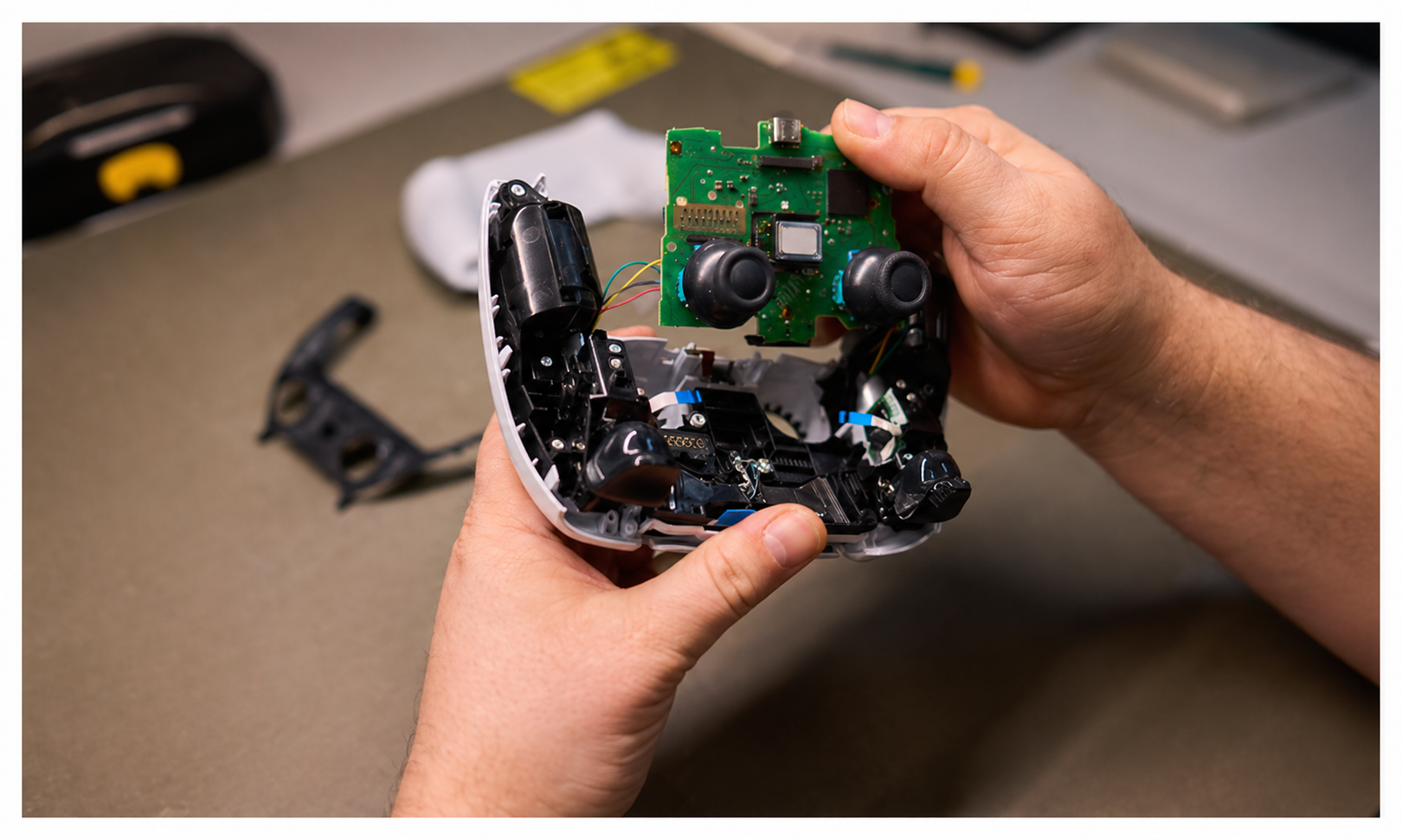
Is Console Repair Service Worth It or Should You Buy New?
Your game suddenly stops working right when you are about to win. Frustrating, right? When this happens, many people wonder if they should fix their device or buy a new one. Choosing a good console repair service can often save money and bring your favorite games back to life.
Your game suddenly stops working right when you are about to win. Frustrating, right? When this happens, many people wonder if they should fix their device or buy a new one. Choosing a good console repair service can often save money and bring your favorite games back to life.
In this guide, we will explain everything in a simple way so you can decide what is best for you.
What Happens When a Console Breaks?
Gaming consoles are fun, but they are also delicate machines. Over time, they can get damaged. Some common problems are:
● Cracked or broken screen
● Buttons not working
● Battery not lasting long
● Charging problems
These issues might seem serious, but many of them can be fixed easily.
How Much Does It Cost to Fix a Console?
The cost depends on what is broken and how big the problem is. Let’s look at a popular example.
Nintendo Switch Screen Replacement Cost
If your screen is broken, you may need to replace it. The Nintendo switch screen replacement cost is usually much lower than buying a new console.
● Simple screen repair can cost around $60 to $180
● Full repair with parts and work can cost around $130 to $250
● New console price is around $300 or more
So, fixing the screen can save a lot of money.
When Should You Repair Your Console?
Sometimes fixing your console is the best choice. Here are easy ways to know when to fix it.
1. The Problem Is Smal
If only one part is broken, like the screen or battery, repair is a smart choice.
2. The Console Still Works Fine
If your games run well and only one part is damaged, there is no need to buy a new one.
3. It Saves Money
If fixing costs much less than buying new, it is better to repair consoles instead of replacing them.
4. You Want to Keep Your Games
Repairing keeps your saved games safe. You do not have to start over.
5. It Helps the Environment
Fixing devices means less waste. This helps keep the planet clean.
When Is Buying a New Console Better?
Sometimes repairing is not the best option. Here are some situations where buying new is smarter.
1. Too Many Problems
If many parts are broken, repair costs can become very high.
2. Repair Is Too Expensive
If fixing costs almost the same as buying new, then replacement is better.
3. Old Console
Older consoles may not support new games. A new one will give better performance.
4. Keeps Breaking Again
If your console keeps having problems, it may be time for a new one.
Why Choose a Professional Console Repair Service?
A professional console repair service can make a big difference. Here is why:
● Experts Know What to Do
They understand the problem quickly and fix it correctly.
● Better Quality Parts
They use strong and reliable parts so your console lasts longer.
● Saves Time
Repairs are done faster compared to trying it yourself.
● Safe Repairs
There is less risk of damaging your console further.
Should You Fix It Yourself?
You may think about fixing your console at home. While it sounds fun, it can be tricky.
Here are some risks:
● You might break something else
● You may not have the right tools
● It can be hard to open the console safely
That is why professional help is usually a better choice.
Things to Think About Before You Decide
Before choosing to fix or replace your console, ask yourself these simple questions:
● How much will the repair cost?
● Is the console still working well overall?
● How old is the console?
● Will fixing it make it last longer?
Answering these questions will help you make the right choice.
Contact Us Now
Fixing a console is often the smarter and cheaper option, especially when the problem is small. It helps you save money, keep your games, and reduce waste. But if your device is very old or badly damaged, buying a new one may be better.
If you are unsure, it is always a good idea to ask experts. At Ufone Wireless & Electronics LTD, we believe in helping you make the best choice for your device. We offer trusted solutions to repair consoles so you can enjoy your games again without spending too much.
People Also Ask (FAQs)
1. Is it better to fix a console or buy a new one?
Fixing is better if the problem is small and the cost is low. Buying new is a good idea when the console is old or has many issues that make repair too expensive.
2. How long does console repair take?
Most repairs take a few hours or one to two days. The time depends on the problem and if the parts needed for fixing are available at the repair shop.
3. Is Nintendo Switch screen repair worth it?
Yes, it is worth it if only the screen is broken. The repair cost is much lower than buying a new console, and your device can work like new again.
4. Can all consoles be repaired?
Most consoles can be repaired, including screen, battery, and button issues. However, very serious damage inside the console may not be worth fixing and might require replacement.
5. Does repairing a console make it slower?
No, a proper repair does not make your console slower. If done by experts, your console can work just as well as before and sometimes even better after fixing.
How to Fix Overheating PS5 and Motherboard Cost Guide
Is your PS5 getting too hot, making loud fan sounds, or suddenly turning off while you are playing games? This is a common issue, and the good news is that it can often be fixed easily.
Is your PS5 getting too hot, making loud fan sounds, or suddenly turning off while you are playing games? This is a common issue, and the good news is that it can often be fixed easily.
The PS5 is a strong gaming console, but like any machine, it can get hot when it works for a long time. If it becomes too hot, it may slow down, make noise, or even shut off on its own. This problem is called overheating.
In this guide, you will learn simple steps for how to fix overheating PS5, understand why it happens, and also get a clear idea about repair costs, including motherboard issues.
Why Does a PS5 Get Hot?
Your PS5 is like a small computer that works very hard when you play games. When it works too much, it creates heat.
Here are the main reasons:
● Dust blocks air from moving inside
● The fan is not cooling properly
● The console is kept in a closed space
● The room is too warm
● Long gaming without breaks
When air cannot move freely, heat gets trapped and the system becomes too hot.
Easy Ways to Fix an Overheating PS5
Now let’s learn how to fix overheating PS5 in very simple steps that anyone can follow.
1. Give It Space to Breathe
Your PS5 needs open space around it.
● Keep it in a place with good air
● Do not put it inside closed shelves
● Leave space on all sides
Good airflow helps the system stay cool.
2. Clean Dust from Outside
Dust can stop air from entering the console.
● Turn off the PS5
● Unplug it safely
● Wipe vents with a soft cloth
● Use gentle air to remove dust
Clean vents help the console breathe better.
3. Take Breaks While Playing
If you play for many hours, the PS5 can heat up.
● Turn it off after long sessions
● Let it rest for a while
● Avoid nonstop gaming
Rest helps the system cool down.
4. Check the Fan
The fan is very important because it cools the PS5.
● Lten for loud fan noise
● Check if air is coming out
● Watch for sudden shutdowns
If the fan is not working well, it may need repair.
5. Keep the Room Cool
Hot rooms make the PS5 hotter.
● Play in a cool place
● Use a fan or air conditioner
● Avoid sunlight on the console
Cool surroundings help reduce heat.
When the Problem Becomes Serious
Sometimes, simple cleaning is not enough. If overheating continues, internal parts may be affected.
One important part inside the PS5 is the motherboard. It controls most of the system, like the brain of the console. If it gets damaged, the PS5 may stop working properly.
This usually happens when overheating is ignored for too long.
PS5 Motherboard Replacement Cost Guide
If the motherboard is damaged, repair becomes more serious and costly.
Here is a simple idea of costs:
Small Repairs
● Cleaning inside parts
● Fixing fan or dust problems
● Basic overheating repair
These are usually affordable.
Motherboard Replacement
● PS5 motherboard replacement cost: around $250 to $500 or more
● Price depends on damage level
● More damage means higher cost
This is one of the most expensive repairs for a PS5.
How to Prevent Future Overheating?
After fixing the problem, it is important to take care of your PS5.
● Clean it regularly
● Keep it in an open space
● Do not block air vents
● Take breaks during gaming
● Keep room temperature normal
These simple habits help your console stay safe.
People Also Ask (FAQs)
1. Why does my PS5 get hot during games?
Your PS5 gets hot because it works very hard while running games. Dust inside, poor airflow, or long gaming sessions can make it heat up quickly and affect performance.
2. How to fix overheating PS5 at home?
You can fix it by cleaning dust from vents, placing it in an open space, and giving it breaks. Keeping the room cool also helps reduce heat and improves performance.
3. Can overheating damage the PS5?
Yes, if overheating happens many times, it can damage important parts inside like the motherboard. That is why it is important to fix heating problems early.
4. What is PS5 motherboard replacement cost?
The PS5 motherboard replacement cost is usually between $250 and $500 or more. The exact price depends on how much damage is inside the console.
5. Is it safe to use a hot PS5?
No, it is not safe to use a PS5 when it is very hot. You should stop playing and let it cool down first to avoid damage to internal parts.
Get in Touch with Us!!
Overheating is a common issue, but it can often be fixed with simple care like cleaning, better airflow, and short breaks. If ignored, it may lead to serious damage inside the console.
Understanding how to fix overheating PS5 early can help you save money and protect your device. In some cases, repairs like the cost of PS5 motherboard replacementcan be high, so prevention is always better.
For expert help and trusted repair services, we are always here to support you at Ufone Wireless & Electronics LTD.
Trusted iPhone and Samsung Device Repair Store in Lloydminster
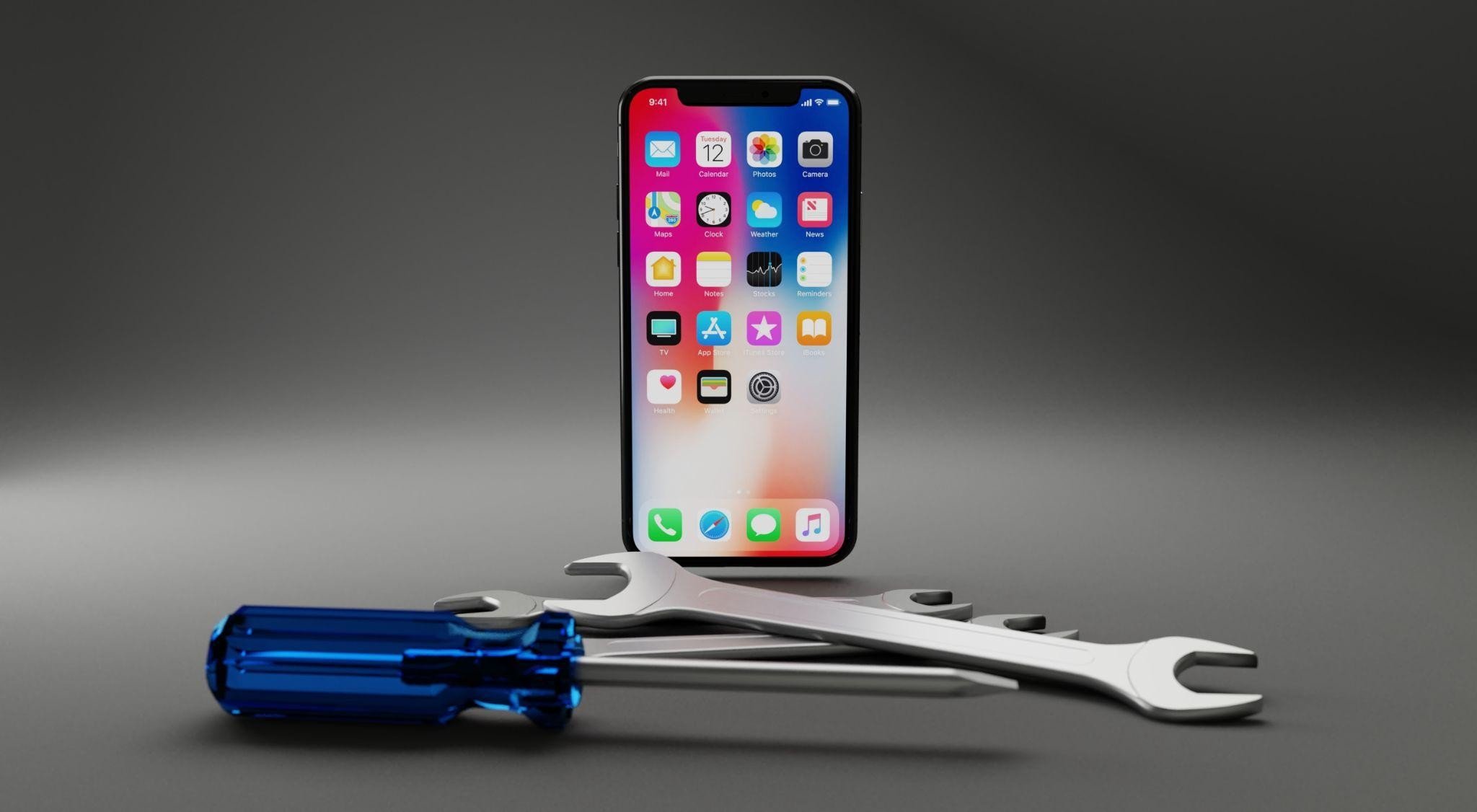
Ever dropped your phone or spilled water on it? It can be really frustrating when your iPhone or Samsung stops working. Phones are a big part of our life; they help us talk to friends, play games, and learn new things.
Ever dropped your phone or spilled water on it? It can be really frustrating when your iPhone or Samsung stops working. Phones are a big part of our life; they help us talk to friends, play games, and learn new things.
When something goes wrong, you need someone who can fix it quickly and safely. In Lloydminster, trusted I phone repair services can get your device back to perfect working order in no time.
Why You Should Get Professional Phone Repair?
Phones are small but very smart gadgets. Trying to fix them yourself can sometimes make things worse. Professional repair keeps your phone safe and working for a long time. Experts can:
● Find the real problem fast
● Use good replacement parts
● Make sure everything works after the repair
● Keep you and your phone safe
Getting a professional repair is not just about fixing the phone, it’s about keeping your life running smoothly.
iPhone Repair Made Easy
iPhones are amazing, but they need careful handling. Whether your screen is broken, the battery dies too fast, or water has damaged it, professional iPhone mobile repair helps fix it. A reliable iPhone repair service in Lloydminster offers:
● Fast repair for common problems
● Clear prices so you know what you pay
● High-quality replacement parts
● Checks after the repair to make sure everything works
When your iPhone is fixed by experts, it will last longer and work better.
Samsung Device Repair You Can Trust
Samsung phones are smart and fun, but sometimes they stop working properly. From software issues to broken parts, skilled repair technicians can help. A trusted Samsung Device Repair service provides:
● Careful checking to find the problem
● Fixing screens, batteries, and charging ports
● Solving software problems and updating the phone
● Tips to keep your phone working longer
If you need Samsung Phone Repair in Lloydminster, professional repair is the fastest and safest way to get your phone back.
What Happens During a Phone Repair?
A good repair shop follows steps to make sure your phone works perfectly:
Check the Phone – Find what is wrong.
Give a Price – Tell you the cost and time.
Fix It Carefully – Use quality parts and tools.
Test Everything – Make sure all features work.
Give Back the Phone – Hand it back with tips for care.
This way, your phone gets fixed right the first time.
Signs Your Phone Needs a Repair
Sometimes phones show little problems that can get worse. Watch out for:
● Broken or cracked screens
● Battery running out too fast or overheating
● Apps freezing or phone acting slow
● Buttons or cameras not working
● Trouble with Wi-Fi or calling
Fixing these early saves money and keeps your phone safe.
Why a Local Repair Shop is Best?
Choosing a nearby repair shop in Lloydminster has many benefits:
● Quick Service – Often same-day or next-day repairs.
● Friendly Help – Staff explain things in simple words.
● Fair Prices – Good repair without paying too much.
● Trusted Locally – A shop in your town cares about doing a good job.
Local experts know phones and can make repairs fast and easy.
People Also Ask
1. How long does iPhone repair take in Lloydminster?
Most iPhone repairs, like fixing a screen or battery, can be done the same day. Some simple repairs take only a few hours. The exact time depends on the problem, but local repair shops often make it very fast.
2. Is Samsung phone repair in Lloydminster reliable?
Yes. Professional repair shops have trained technicians who use good parts. They check everything carefully to make sure your Samsung phone works like new. You can trust them to do a safe and correct repair.
3. Can a cracked screen be repaired without replacing the entire iPhone?
Yes. Most of the time, only the broken screen is replaced. The rest of your iPhone stays safe. Skilled technicians make sure the repair is done well, so your phone looks and works like it did before.
4. How do I know if my phone battery needs replacement?
A battery may need replacement if it drains too quickly, shuts down suddenly, or swells. Experts can test your battery to see if it is weak. Replacing it can make your phone last longer and work better every day.
5. Are repairs covered by warranty?
Some repairs are covered, depending on your phone and the problem. Trusted repair shops explain what is covered and what isn’t. They usually give a warranty on their work so you can feel safe after your phone is fixed.
Reach Out To Us
At Ufone Wireless & Electronics LTD, we are experts in fixing iPhones and Samsung phones. We use high-quality parts and tools, and our team works carefully to make your device like new again. We offer fast service, clear prices, and tips to keep your phone healthy.
If you need a trusted iPhone repair service in Lloydminster or reliable Samsung Phone Repair, we can help. Bring your phone toUfone Wireless & Electronics LTD and let us take care of it.
Make Your Android Phone 4X Faster with These Simple Tricks
Is your Android phone acting like a sleepy turtle instead of a speedy cheetah? Don’t worry as you’re not alone. Many people notice their phones getting slower over time. The good news is that you don’t need to be a tech expert to fix it. With a few simple steps, you can make your phone feel fast and smooth again.
Is your Android phone acting like a sleepy turtle instead of a speedy cheetah? Don’t worry as you’re not alone. Many people notice their phones getting slower over time. The good news is that you don’t need to be a tech expert to fix it. With a few simple steps, you can make your phone feel fast and smooth again.
In this easy guide, we’ll show you simple tricks anyone can follow. And if things get tricky, even basic Android phone repair can help bring your phone back to life.
Why Do Phones Get Slow?
Think of your phone like a backpack. If you keep adding things and never clean it, it becomes heavy and messy. Phones work the same way.
Here’s why your phone slows down:
● Too many apps
● Full storage (no space left)
● Old software
● Apps running in the background
Don't worry as these issues are simple to resolve.
1. Clean Your Phone (Clear Cache)
Your phone saves small bits of information called “cache.” It helps apps open faster, but too much of it becomes junk.
What you can do:
● Go to Settings and open Storage
● Clear cache data
● Do this once in a while
This is like cleaning your room. When things are clean, everything works better.
2. Remove Apps You Don’t Use
Do you have apps you never open? They still take up space and slow your phone.
Try this:
● Look at your apps
● Delete the ones you don’t need
● Keep only what you use
Less clutter means a faster phone.
3. Stop Apps Running in the Background
Certain applications continue to function even when you're not using them. That makes your phone slower.
Easy steps:
● Go to Settings and open Apps
● Stop apps you don’t need
● Limit background activity
This makes your phone operate more smoothly and quickly.
4. Make Space in Your Phone
When your phone is full, it slows down a lot.
Clean it up:
● Delete old photos and videos
● Remove downloads you don’t need
● Use cloud storage
Try to keep some free space so your phone can work properly.
5. Update Your Phone
Updates are like giving your phone a small upgrade.
What to do:
● Go to Settings and check Software Update
● Install updates when available
Updates fix problems and improve speed.
6. Turn Off Fancy Animations
Animations are the effects you see when opening apps. They can slow things down, but they look good.
Make it faster:
● Turn on Developer Options
● Reduce animation speed
Your phone will feel quicker right away.
7. Take Care of Your Battery
A weak battery can make your phone slow.
Helpful tips:
● Don’t let your phone get too hot
● Use battery saver mode
● Charge your phone properly
If your phone still feels slow, you may need Android phone repair to fix battery problems.
8. Use Light Apps
Some apps are heavy and use a lot of space and memory.
Smart choice:
● Use lighter versions of apps
● Use websites instead of apps when possible
These options help your phone run faster.
9. Remove Extra Widgets
Widgets are useful, but too many can slow your phone.
Keep it simple:
● Remove extra widgets
● Use a simple wallpaper
This makes your phone lighter and faster.
10. Restart Your Phone
Restarting your phone is like giving it a short rest.
Try this:
● Turn your phone off and on every few days
It clears small problems and improves speed.
When You Need Extra Help
If your phone is still slow after trying everything, there may be a bigger problem inside.
This could be:
● A weak battery
● Damaged parts
● Old hardware
That’s when cell phone accessories and repair services can help. Experts can check your phone and fix the problem.
Use Good Accessories
Using the right accessories can also help your phone stay fast and safe.
Good choices:
● Strong chargers
● Protective cases
● Cooling accessories
These help your phone last longer and work better every day.
People Also Ask (FAQs)
1. Why is my Android phone slow?
Your phone can become slow when it has too many apps, low storage space, or outdated software. Background apps and junk files also make it work harder. Cleaning your phone and removing unused apps can help improve its speed and performance.
2. Does clearing cache make my phone faster?
Yes, clearing cache removes temporary files that build up over time. These files can slow down your phone and apps. When you clear them, your phone gets more space to work, which helps it run faster and smoother.
3. How often should I restart my phone?
You should restart your phone every two to three days. Restarting helps clear temporary memory and stops unnecessary apps running in the background. This keeps your phone fresh, improves performance, and reduces lag during daily use.
4. Can a bad battery slow down my phone?
Yes, a bad or old battery can slow your phone. When the battery is weak, your phone reduces performance to save power. Replacing or fixing the battery can improve speed and make your device work better again.
5. When should I get my phone repaired?
You should get your phone repaired if it stays slow after cleaning, updating, and removing apps. Problems like overheating, fast battery drain, or freezing may mean internal damage. A professional can check and fix the issue properly.
Get in Touch With Us
Making your Android phone faster is simple when you follow the right steps. Clean your phone, remove what you don’t need, and take care of it regularly. These small actions can make a big difference in how your phone works.
If your phone still needs help, we are here for you. At Ufone Wireless & Electronics LTD, we provide consistent mobile service to maintain your phone's functionality.
How to Choose the Right Mobile and Laptop Repair Service in Lloydminster
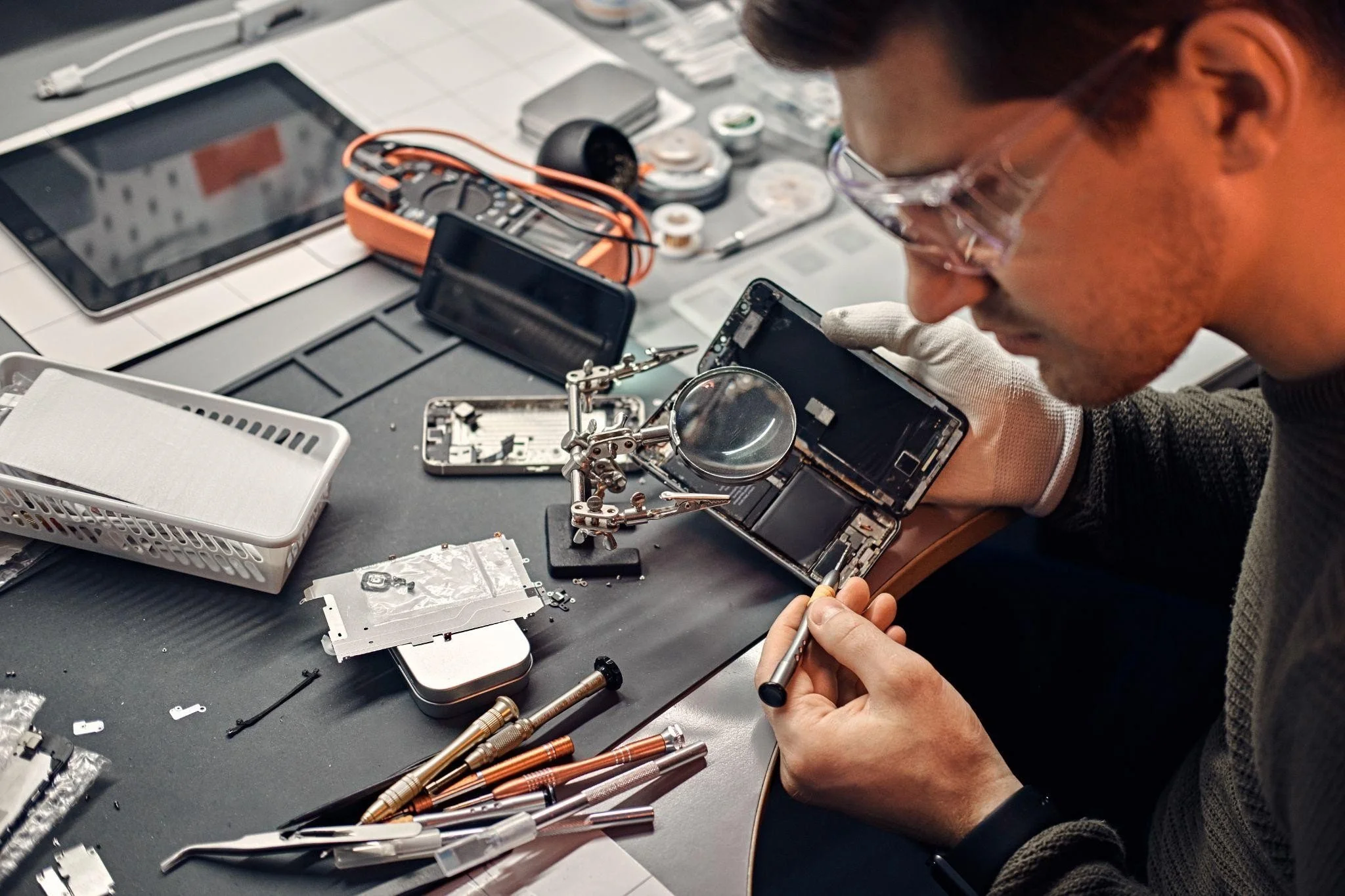
Imagine you are using your phone or laptop, and suddenly it stops working. Uh-oh! That can be really frustrating, right? We use our phones and laptops every day for school, work, games, and talking to friends. So, when they break, we need help fast. But how do you pick the right place to fix your device in Lloydminster?
Imagine you are using your phone or laptop, and suddenly it stops working. Uh-oh! That can be really frustrating, right? We use our phones and laptops every day for school, work, games, and talking to friends. So, when they break, we need help fast. But how do you pick the right place to fix your device in Lloydminster?
In this guide, we will explain everything you need to know to find the bestmobile repair serviceand laptop repair shop. You’ll learn what to look for so your devices can be fixed safely and quickly.
Understand the Services They Offer
The first step is to know what kind of repairs the shop can do. Not every shop can fix every problem.
● Broken laptop repair: Some laptops might have broken screens, slow performance, or not start at all. Look for a place that can fix all kinds of laptop problems.
● Mobile repair service: Phones can have cracked screens, dead batteries, or cameras that don’t work. A good shop can fix any phone problem, big or small.
Knowing the services a shop offers will save time and make sure your device gets the help it needs.
Check Experience and Skills
It’s important to choose a shop where the workers know what they are doing. Experienced technicians can fix your devices without making the problem worse.
● Ask how many devices they have repaired before.
● Make sure they can repair different brands and models.
A shop that can do cellphone repair in Lloydminster for both iPhones and Android phones shows they have the right skills to fix your device safely.
Look for Clear Communication
A good repair shop should explain everything clearly. They should tell you what the problem is, how they will fix it, how long it will take, and how much it will cost.
● Transparent quotes: Ask for a written price before they start repairing.
● Repair process: Know if they will use original parts or other parts.
● Time: Ask how long it will take to get your device back.
When the shop explains everything clearly, you can trust them and know what to expect.
Check Reputation and Reviews
Reviews and recommendations are very helpful. They show if a shop is reliable and does good work.
● Look for shops with good reviews about broken laptop repair and cell phone repair shop in Lloydminster.
● Check if people talk about fast service, friendly staff, and helpful advice.
A shop with many happy customers is usually trustworthy and takes good care of devices.
Ask About Warranty and Aftercare
Even after fixing a device, sometimes problems can happen again. A good repair shop gives a warranty to cover parts and labor.
● Ask how long the warranty lasts and what it covers.
● Make sure the warranty is from the shop, not just the parts.
● Ask if they give tips to avoid problems in the future.
A warranty keeps your device safe and makes you feel confident after the repair.
Convenience Matters
It’s important to pick a shop that is easy to get to, especially if your device breaks suddenly.
● A nearby cell phone repair shop in Lloydminster is easier and faster to reach.
● Some shops also offer pick-up and delivery services for your device, which is very convenient.
Check the shop’s hours and see if they can do same-day repairs. That way, you won’t have to wait long for your phone or laptop.
Price and Value
Cost is important, but it’s not everything. The cheapest repair might not be the best, and the most expensive might not be the most reliable.
● Compare prices from different shops to know what is fair.
● Look for shops that give good value—experienced workers, quality parts, and a warranty are worth paying for.
● Some shops even match competitor prices for the same repair.
Focus on getting the best combination of price and quality.
Connect With Us
Picking the right repair shop doesn’t have to be hard. Think about experience, clear communication, reviews, warranty, convenience, and cost.
If you want a safe and reliable repair in Lloydminster, you can trust us at Ufone Wireless & Electronics LTD. We handle broken laptop repair, mobile repairs, and more. Our team fixes devices quickly, safely, and at a fair price. We make sure your phone and laptop work like new again.
People Also Ask
What should I look for in a mobile repair service in Lloydminster?
When choosing a mobile repair service, look for experienced technicians who have worked on many devices. Make sure the shop provides clear pricing, uses quality parts, offers a warranty, and can repair multiple brands. This ensures your phone or tablet is safe and fixed properly.
How long does broken laptop repair usually take?
The time for a broken laptop repair depends on the problem. Simple issues like screen or battery replacements may be done the same day, while complicated problems, like motherboard repairs, may take a few days. A reliable shop will give you an estimated timeline upfront.
Should I repair or replace my broken cellphone?
Repairing a broken cellphone is usually cheaper than buying a new one, especially for expensive models. If the phone has only a screen, battery, or camera problem, a professional repair shop can fix it quickly, saving you money and avoiding the hassle of transferring data to a new device.
Do repair shops offer warranties?
Yes, good repair shops provide a warranty on parts and labor. This protects you if the same problem happens again. A warranty gives peace of mind, shows the shop stands behind its work, and ensures your device stays safe even after it has been repaired.
Can my phone be repaired the same day?
Many mobile repair shops in Lloydminster offer same-day repairs for common issues, such as cracked screens, battery replacements, and camera problems. More complicated repairs may take longer, but a trustworthy shop will explain the timeline clearly so you know exactly when your phone will be ready.
Trusted Computer, Laptop, and Mobile Phone Repair Services in Lloydminster
Computer, Laptop & Android Phone Repair in Lloydminster
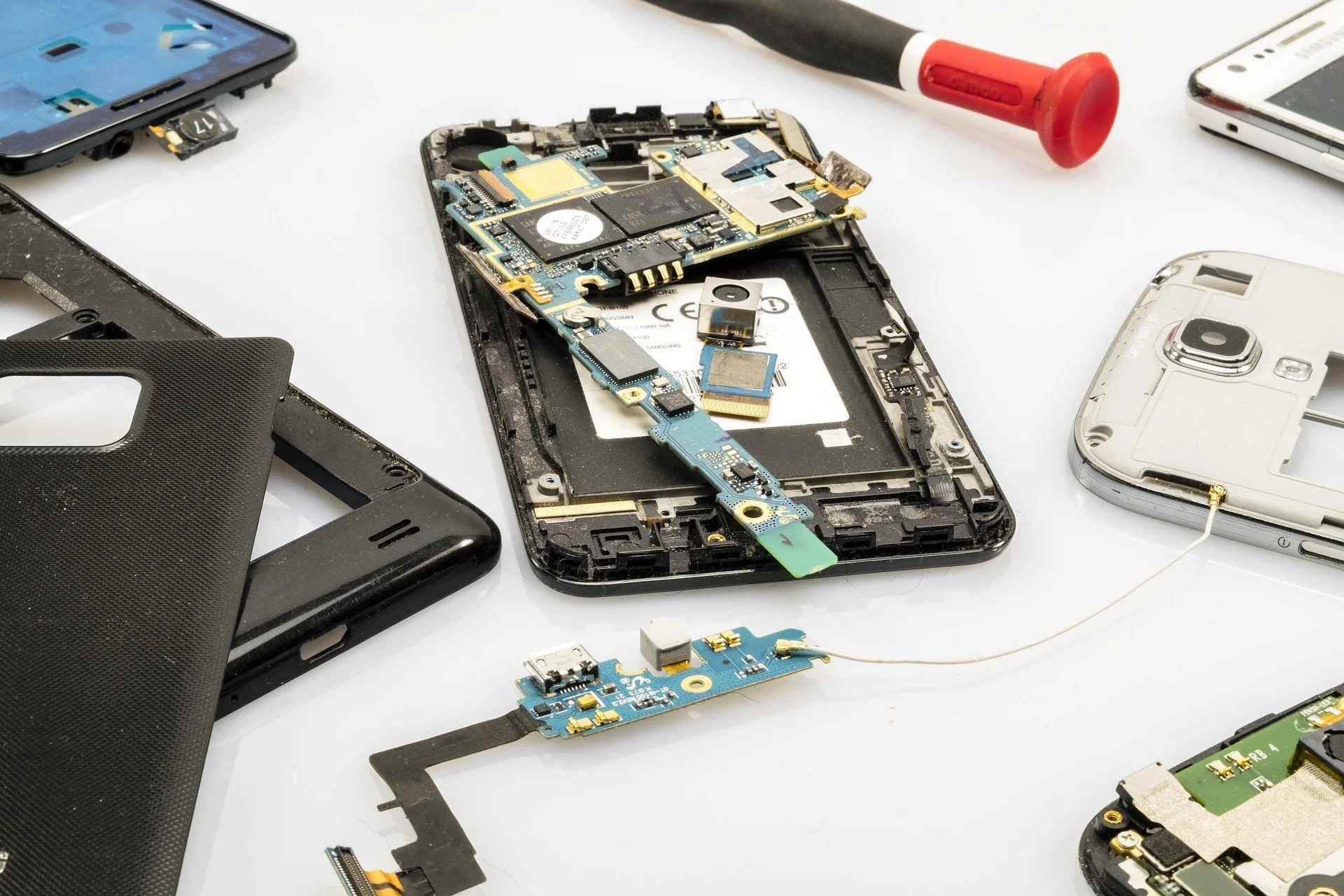
When your computer, laptop, or phone stops working, it can be really frustrating. You might need it for school, work, or just to talk to friends. Broken screens, slow computers, and battery problems are very common.
The good news is that trusted computer repair in Lloydminster and other device repair services can fix your electronics quickly and safely. Going to the right repair shop saves time and money and makes sure your devices work like new again.
Why Professional Repair Matters?
Trying to fix devices by yourself or using cheap services can sometimes make the problem worse. Professional repair shops check your device carefully and fix it the right way. They use good-quality parts and the correct tools to make sure your computer, laptop, or phone lasts longer.
Whether you need laptop repair in Lloydminster, Android mobile repair, or computer repair, a trusted technician can help you save money and avoid repeated problems.
Common Issues and Solutions
Laptop Repair in Lloydminster
Laptops are very important for learning, work, and fun. Some common problems are:
● Slow performance: Your laptop might be slow because of old software, too many files, or viruses.
● Broken screens: Cracks or black spots make it hard to see anything.
● Battery problems: Sometimes laptops do not charge or lose power quickly.
Experts can replace broken screens, upgrade parts, speed up your laptop, and fix batteries. After repair, your laptop can work almost like new again.
Android Phone Repair
Phones are used every day for calling, texting, and games. Common problems include:
● Cracked screens: This is very common and needs a fix broken Android screen repair.
● Battery and charging problems: Your phone may not charge or run out of power too fast.
● Software problems: Apps crash or the phone freezes.
Good repair services carefully replace broken screens, fix batteries, and solve software problems to make your phone work properly again.
Computer Repair in Lloydminster
Computers can have many problems too:
● Hardware failures: Parts like hard drives, memory, or motherboards may stop working.
● Slow computers: Too many files or viruses can make it slow.
● Network problems: Sometimes internet or Wi-Fi does not work.
Professional technicians check your computer carefully, replace broken parts, and make it faster. This helps your computer work well for a long time.
What to Look for in a Trusted Repair Service?
When you choose a repair shop, it is important to check a few things:
Experience and skill: Choose technicians who know a lot about laptops, computers, and phones.
Good parts: Make sure they use parts that are high quality or original.
Clear prices: Ask for a quote before the repair.
Helpful staff: People should answer questions and guide you.
Fast service: Quick repairs save time and let you use your device again.
These things help you find a repair service you can trust.
Preventive Care and Maintenance Tips
Even after repair, you can take care of your devices to keep them working longer:
● Update software: Keep your programs and apps up to date.
● Screen protection: Use a phone case or laptop cover.
● Avoid overheating: Keep vents clear and do not block fans.
● Backup your data: Save your files to a computer or cloud in case of problems.
Doing these simple steps will help prevent future problems.
Same-Day and Efficient Repairs
Sometimes, you need your device fixed quickly. Trusted repair services often offer same-day repairs for common problems like broken screens, batteries, or software issues. Fast service helps you get back to school, work, or fun without waiting too long.
Services usually include:
● Full check-ups to find all problems.
● Clear prices so you know the cost.
● Professional repairs using good parts.
● Testing to make sure everything works well after repair.
People Also Ask (FAQs)
How long does laptop repair in Lloydminster take?
Most laptop repairs, such as screen or battery replacement, can be done in a few hours. More complex problems, like motherboard issues or hardware upgrades, may take one or two days. The exact time depends on the parts needed and the type of repair.
Can a cracked Android screen be fixed without losing data?
Yes, professional fix broken Android screen repair services can replace the screen without deleting your apps, contacts, or photos. Skilled technicians carefully separate the screen from the device while keeping your information intact. This helps you continue using your phone safely.
Is it better to repair an old computer or buy a new one?
Repairing an old computer is often cheaper than buying a new one. Many computers can be upgraded with new memory, hard drives, or software fixes. A good repair can make your old computer work like new and save money in the long term.
Do repair shops give warranties?
Trusted repair shops usually offer warranties on both parts and labor. This means if a replacement part fails or the repair does not work as promised, they will fix it again at no extra cost. Warranties give customers peace of mind and confidence in the repair.
Can one service fix both hardware and software problems?
Yes, a reliable repair service can handle both hardware and software issues in a single visit. Technicians can replace broken parts, speed up slow systems, remove viruses, and update software. This saves time and ensures your device works properly once repaired.
Get in Touch With us!
Broken devices should not ruin your day. Choosing a trusted repair service keeps your laptops, computers, and phones working well. From fix broken Android screen repair to full computer check-ups, professional repairs save time and money.
If you are in Lloydminster and need fast, reliable repairs, trust us at Ufone Wireless & Electronics LTDto make your devices work like new again.
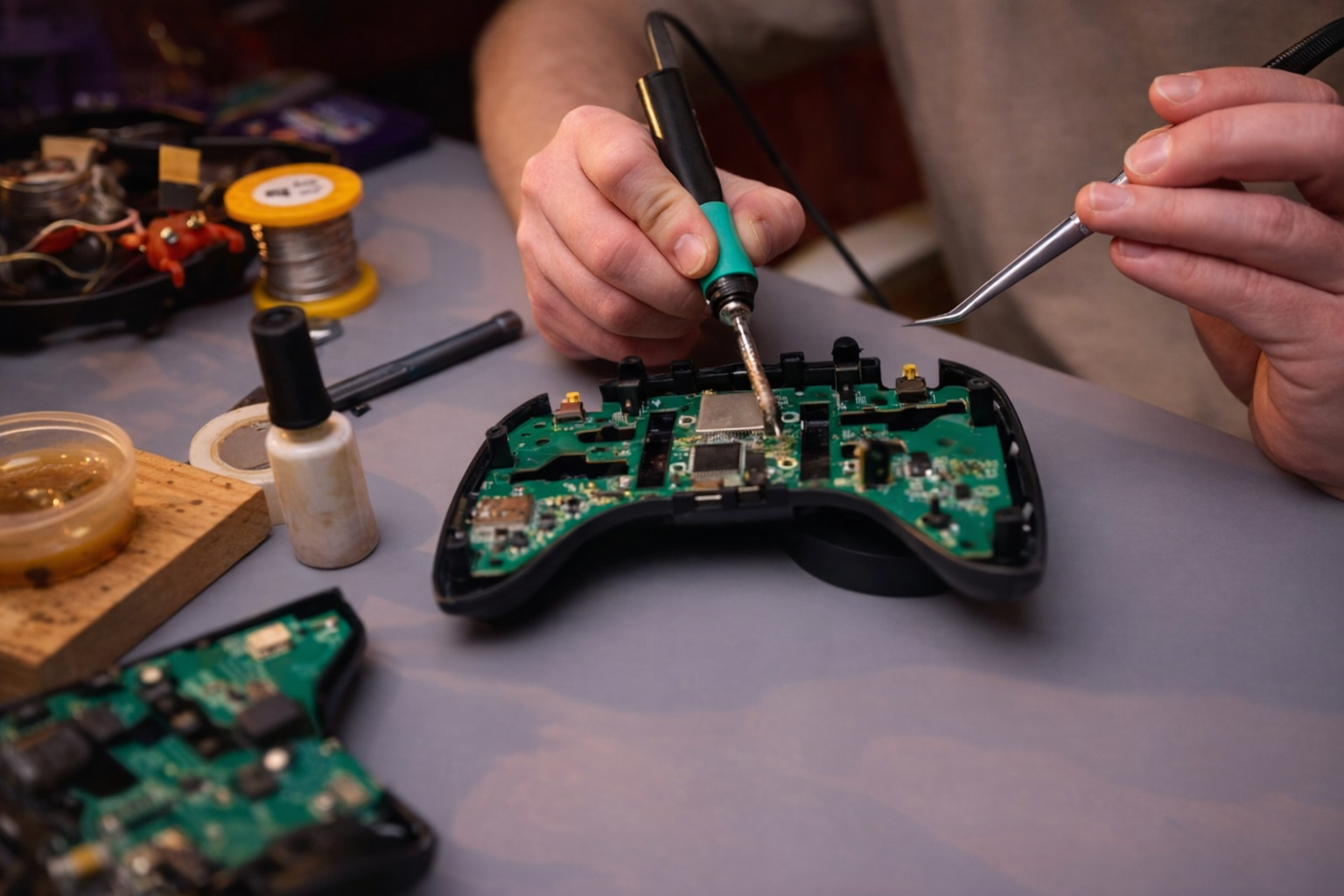
Why Ignoring Console Issues Can Cost You More Than You Think?
Ever turned on your console and heard strange buzzing or seen your game freeze mid-level? You might shrug it off and keep playing. But small issues don’t just disappear. Ignoring them can lead to bigger problems that hit your wallet hard.
Ever turned on your console and heard strange buzzing or seen your game freeze mid-level? You might shrug it off and keep playing. But small issues don’t just disappear. Ignoring them can lead to bigger problems that hit your wallet hard.
Even a simple glitch can turn into a full-blown repair. That’s why paying attention early is key, especially for anyone needing video game console repair.
Small Problems Grow Fast
It’s easy to ignore a little lag or an odd noise. You might think it’s nothing. But consoles are delicate machines. One small issue can lead to another. A failing fan or overheating can harm the motherboard. A bad power supply can fry other parts. Fixing it early is cheaper and easier. Waiting only makes the repair more expensive.
Even a slow-loading game can hint at a hard drive problem. Don’t wait until it dies completely. Early fixes save time and money. Experienced techs can spot these problems before they spiral. Professional game console repair stops small issues from becoming big headaches.
Overheating Can Ruin Everything
Heat is your console’s worst enemy. If it gets too hot, parts warp, chips fail, and performance drops. That loud fan spinning like crazy is a warning. Dust buildup can block airflow. Cleaning it is not just cosmetic. A proper repair can prevent permanent damage and keep your system running longer.
Ignoring heat issues can cost a lot. Sometimes, a new motherboard or power unit is needed. That’s expensive. A quick professional check and cleaning can save hundreds of dollars in the long run.
Data Loss Is Real
You spend hours grinding in your favorite game. Suddenly, the system crashes. That’s progress gone in seconds. A corrupted hard drive or sudden shutdown can erase saved games forever.
Trying to fix it yourself might make things worse. Professionals know how to handle your files safely. They often recover data that seems lost. This is why trusting a skilled tech is worth it.
Power Problems Can Hit Hard
A console that won’t turn on might look like a small issue. But power problems can damage other components. Bad connectors or surges can fry the motherboard. DIY fixes often make it worse.
Professionals handle these repairs safely. They replace parts correctly and prevent further damage. That’s the difference between a cheap fix and a costly nightmare.
Know the Warning Signs
Here are signs you should not ignore:
● Console won’t start or shuts down randomly
● Loud or weird fan noise
● Flickering or no video on screen
● Controller not connecting or lagging
● Disc drive won’t read games
Notice any of these? Take action fast. The earlier you fix it, the less it costs.
Why Go to a Professional
Opening your console at home is risky. Static shock or wrong tools can ruin it. Professionals have the skills and tools. They diagnose the real problem, not just the symptom. They use quality parts and proper techniques. That means your console works like new. You save money and headaches.
Professional PlayStation console repair can fix hardware and software issues safely. You don’t have to guess what’s wrong. Experts can prevent future problems, making your console last longer.
Smart Moves Save Money
Here’s a simple rule: fix issues early and with the right help. Waiting until your console dies might seem cheap. But replacement costs are higher. A proper repair restores performance and protects data. You avoid frustration and get more gaming time. A small investment now can save big later.
People Also Ask
1. How do I know if my console needs repair?
If your console overheats, shuts down randomly, freezes, or shows errors, it likely needs professional repair. Catching problems early prevents bigger damage and keeps your system running smoothly.
2. Can overheating permanently damage a console?
Yes. High heat can warp circuits, damage chips, and shorten the console’s lifespan. Ignoring it may lead to full system failure. Cleaning and maintenance by experts prevent this kind of damage.
3. Is it safe to repair a console myself?
DIY repairs can be risky. You might cause more harm with static or wrong tools. Professional technicians have the right skills, tools, and parts to fix consoles safely and efficiently.
4. How long does a video game console repair take?
Repair times vary by issue. Minor fixes might take a day or two. Complex problems like motherboard or power supply repairs can take several days. Professionals work to fix it quickly and safely.
5. Will my game data be safe during repair?
Yes. Skilled technicians take steps to protect saved data. They can often recover lost progress or files. Using professional repair services reduces the risk of losing important game information.
Get in Touch With Us!!
Ignoring console issues is a gamble. Small problems can grow into expensive repairs. Heat, power issues, and data loss all cost money and stress. Catching problems early keeps your console safe and your games intact. For quick, reliable fixes, trust expert video game console repair.
At Ufone Wireless & Electronics Ltd, we make sure your gaming runs smooth and your console stays in top shape.
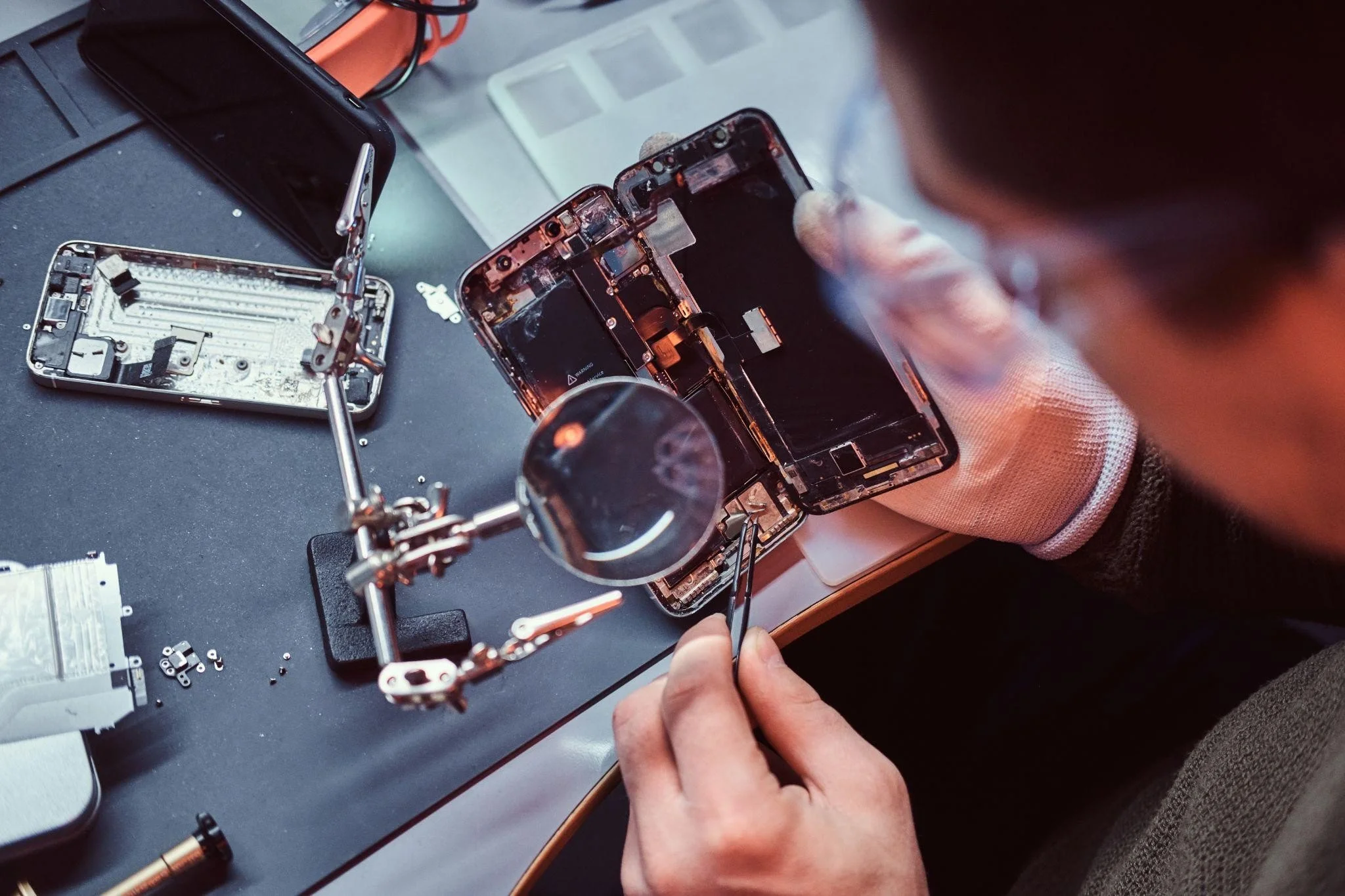
How Expert iPhone Repair Services Can Restore Your Device Quickly and Safely
Dropping your phone on the floor feels like your heart drops too. You look at the cracks and think about iPhone repair right away. A broken screen or weak battery can disrupt your work day and your plans. When your phone starts acting up, you want help that is fast, clear, and solid. This is where expert help matters most.
Dropping your phone on the floor feels like your heart drops too. You look at the cracks and think about iPhone repair right away. A broken screen or weak battery can disrupt your work day and your plans. When your phone starts acting up, you want help that is fast, clear, and solid. This is where expert help matters most.
Why Choose Professional iPhone Repair?
Your iPhone has many small parts inside. Each piece must work with the others to make your phone run right. When you try to fix it yourself or go to someone without experience, you might make the problem worse. Expert iPhone repair techs know these parts and how they fit together.
Professional repair keeps your phone working longer. It also saves you time and money in the long run. A quick fix by an expert is always better than repeated repairs.
How Technicians Diagnose the Problem?
Think of expert techs as phone doctors. They do more than just look at the surface problem. They check the inside too. Here is how they work:
● Examine the phone in detail
● Test all key functions like the touch screen, camera, and buttons
● Run internal checks on battery and chips
● Find all hidden problems before starting repairs
This way, you get a full picture of what needs to be fixed. Techs do not guess. They use real tests and tools to make sure they fix your phone right the first time.
Common iPhone Issues That Get Fixed Every Day
Smartphones go through a lot. You carry them everywhere. You might drop them, spill a drink on them, or plug the charger in the wrong way. Here are the usual problems experts fix:
● Screen damage
A cracked or flickering screen makes it hard to use your phone. Pros replace the screen with care, so your display looks new again. They also make sure touch response works perfectly.
● Battery and power problems
If your phone shuts down too soon or will not charge, the battery or charging port could be at fault. Experts replace the battery or repair the port to get your phone charging like new.
● Camera and speaker troubles
Camera quality can drop after a fall. Speakers can go quiet after liquid gets inside. Technicians fix or replace these parts, so you can hear a clear sound and take sharp pictures again.
● Button and connection issues
Buttons stop working, or Wi-Fi and Bluetooth fail to connect. Pros test each part and make sure everything works before returning your phone.
Benefits of Professional Repair
Choosing skilled professional for iPhone repair services give you many benefits. These services offer fast work, good parts, and clear pricing. They do not leave you guessing.
1. Fast and Accurate Work
Expert techs work with quick hands and sharp minds. They are aware of what to look for and how to quickly remedy it. Many repairs finish in a few hours. You do not leave your phone for days.
2. Quality Parts You Can Trust
Good repair services use parts that fit well and last long. Some shops use cheap parts that break again soon. Experts choose high-quality parts that match the original. This makes your phone work like it should.
3. Clear Pricing and Honest Help
You should always know what you pay for. Professional services give clear prices before they start. They explain the work in simple terms. If a part needs replacing, they tell you why. There are no unpleasant surprises or additional expenses.
4. Safe Handling of Your Data
Your phone holds your messages, photos, and apps. Pros know how to protect your data during repair. They take care to avoid data loss. Still, it is wise to back up your files before repair, just in case.
What to Expect During the Repair
When you walk in with your phone, the process is simple and clear. Experts guide you through every step. Here is the usual flow:
● Initial check-in by staff
● Detailed testing of all functions
● Clear cost estimate for repairs
● Fast repair work in the shop
● Final test to make sure it works right
● Phone returned to you with tips to avoid future damage
This step-by-step care keeps things smooth and stress-free.
Tips to Prevent Future Damage
Regular care helps your phone last longer. Here are some simple tips techs share:
● Use a strong screen protector
● Keep your phone in a good case
● Avoid liquids near your phone
● Charge with safe cords and plugs
● Back up your data often
These small habits go a long way.
Signs It Is Time for Expert Repair
Not all phone issues are obvious at first. But some signs mean you should seek expert help right away. Look for:
● Flickering or dim display
● Phone shutting down unexpectedly
● Strange heat during use or charge
● Cracks that spread across the screen
● Buttons that do not respond
If you see any of these, do not wait. Quick expert help stops small trouble from becoming big damage.
People Also Ask
1. What does expert iPhone repair include?
Expert iPhone repair includes a full check of your phone to find the real cause of the problem. Technicians test the screen, battery, buttons, camera, and charging port. They use quality parts and tools to fix issues quickly and with care. The goal is to restore full function and protect your data.
2. How long will my iPhone be in repair?
Most repairs finish in a few hours. Simple jobs like screen or battery replacement may take less than a day. More complex issues may need more time. Techs often give you a clear timeline when you drop off your phone. They work fast while maintaining quality.
3. Can water-damaged phones be fixed?
Yes, many water-damaged phones can be restored. Technicians dry the phone, clean corrosion, and replace parts that fail because of liquid. Early action helps a lot. If you act soon after the spill, the chance of full repair is higher than waiting days to seek help.
4. Will my data be safe during repair?
Professional techs take steps to protect your data. They handle your phone with care and aim to avoid data loss. Still, it is wise to back up your data before repair. This protects photos, messages, and contacts in any rare case of unexpected issues.
5. Is it reasonable to repair or replace my phone?
Repair is usually more reasonable than buying a new phone. Fixing a screen or battery gives your phone more life at a lower cost. Replacement makes sense only if the damage is too great or repairs cost more than a new device. Experts help you weigh the choices.
Connect With Us!!
Getting expert help when your iPhone needs care is smart. You save time, avoid stress, and keep your phone working well. Professional iPhone repair services give you fast fixes, quality parts, and clear answers. For trusted and fast repair service you can rely on, choose us at Ufone Wireless & Electronics Ltd.

Signs Your Computer Needs Expert Repair Services Immediately
Nothing is more annoying than a computer that just won’t behave. One moment it works fine, the next it’s slow, crashing, or freezing. If you notice these signs, it’s time to act fast. Ignoring problems can turn a small glitch into a big headache.
Nothing is more annoying than a computer that just won’t behave. One moment it works fine, the next it’s slow, crashing, or freezing. If you notice these signs, it’s time to act fast. Ignoring problems can turn a small glitch into a big headache. Knowing when to call for professional computer repair services can save you money and stress.
Your Computer Keeps Freezing or Crashing
If your system freezes or crashes often, don’t ignore it. Slowdowns happen, but constant interruptions mean something is wrong. It could be corrupted files, a virus, or failing hardware. Waiting too long can make the problem worse. A tech expert can quickly figure out the root cause and get your computer running smoothly again.
Weird Noises Coming From Your Device
Grinding, buzzing, or clicking sounds are never good. These noises usually come from a dying hard drive or a fan that’s worn out. If you hear them, it’s a sign to stop using your computer and call a professional. Fixing it early can save your data and prevent bigger issues later.
Overheating and Hot Spots
A computer that gets too hot is not normal. If it shuts down suddenly or the fan is always loud, dust or broken fans could be the problem. Overheating can damage parts over time. Professional repair can clean the system, fix fans, or replace thermal paste to cool things down.
Slow Performance Despite Updates
Sometimes adding memory or storage does not fix a slow machine. Persistent lag, long boot times, and unresponsive apps can point to deeper problems. Skilled technicians can check software conflicts, malware, or failing hardware and give your system a fresh start.
Screen Problems You Can’t Ignore
Flickering, dead pixels, or touch issues can make work frustrating. These problems often need laptop screen repair services. Fixing the screen in time prevents permanent damage and keeps your device useful. Don’t put off repairs, or you might end up with a bigger bill.
Strange Software Errors
If error messages keep popping up or you see the Blue Screen of Death, it’s time to take action. Problems like these can be caused by corrupted files, malware, or hardware faults. Letting a professional handle it can save your data and get your system back to normal quickly.
Battery or Power Problems
Unexpected shutdowns or a battery that won’t hold a charge are serious warning signs. These issues are common in laptops and may need repair or battery replacement. Quick action helps your device last longer and prevents frustrating interruptions.
Don’t Forget Your Other Devices
Your computer isn’t the only device that can fail. Phones and tablets can crack, stop charging, or freeze. Mobile phone repair by experts can save your data and keep you connected. Catching problems early is always cheaper and easier than waiting until it’s too late.
People Also Ask
1. How can I tell if my computer needs professional repair?
Look for frequent crashes, slow performance, odd noises, overheating, or unresponsive screens. These signs usually point to hardware or software issues that a professional can diagnose and fix safely. Ignoring them can lead to bigger problems.
2. Can a flickering or broken laptop screen be fixed?
Yes, many screen problems can be repaired without replacing the whole laptop. Professional laptop screen repair services can replace or fix the display, restore touch functions, and improve your device’s performance.
3. Are data recovery services included in computer repair?
Most experts offer data recovery as part of repair. If files are lost or the hard drive is failing, professionals can often recover important data. Acting quickly increases the chance of successful recovery.
4. How long does mobile phone repair usually take?
Common repairs, like screen replacements or battery fixes, can often be done the same day. More complicated issues might take a few days, but reputable technicians provide clear timelines so you’re not left guessing.
5. Should I repair or replace my computer?
If the problem is minor, repair is usually cheaper and effective. But repeated issues, outdated hardware, or major system failures might mean replacement is a better choice. Experts can help you weigh the pros and cons.
Act Before It’s Too Late
Waiting too long can turn small problems into costly repairs. Expert technicians know how to spot issues early and fix them fast. From desktops to laptops and phones, professional service keeps your devices running longer.
If your gadgets are acting up, trust Ufone Wireless & Electronics Ltd. We offer top-notch computer repair services, laptop screen repair, and mobile phone repair to keep your devices in great shape. Let us handle the tech so you can focus on what matters.
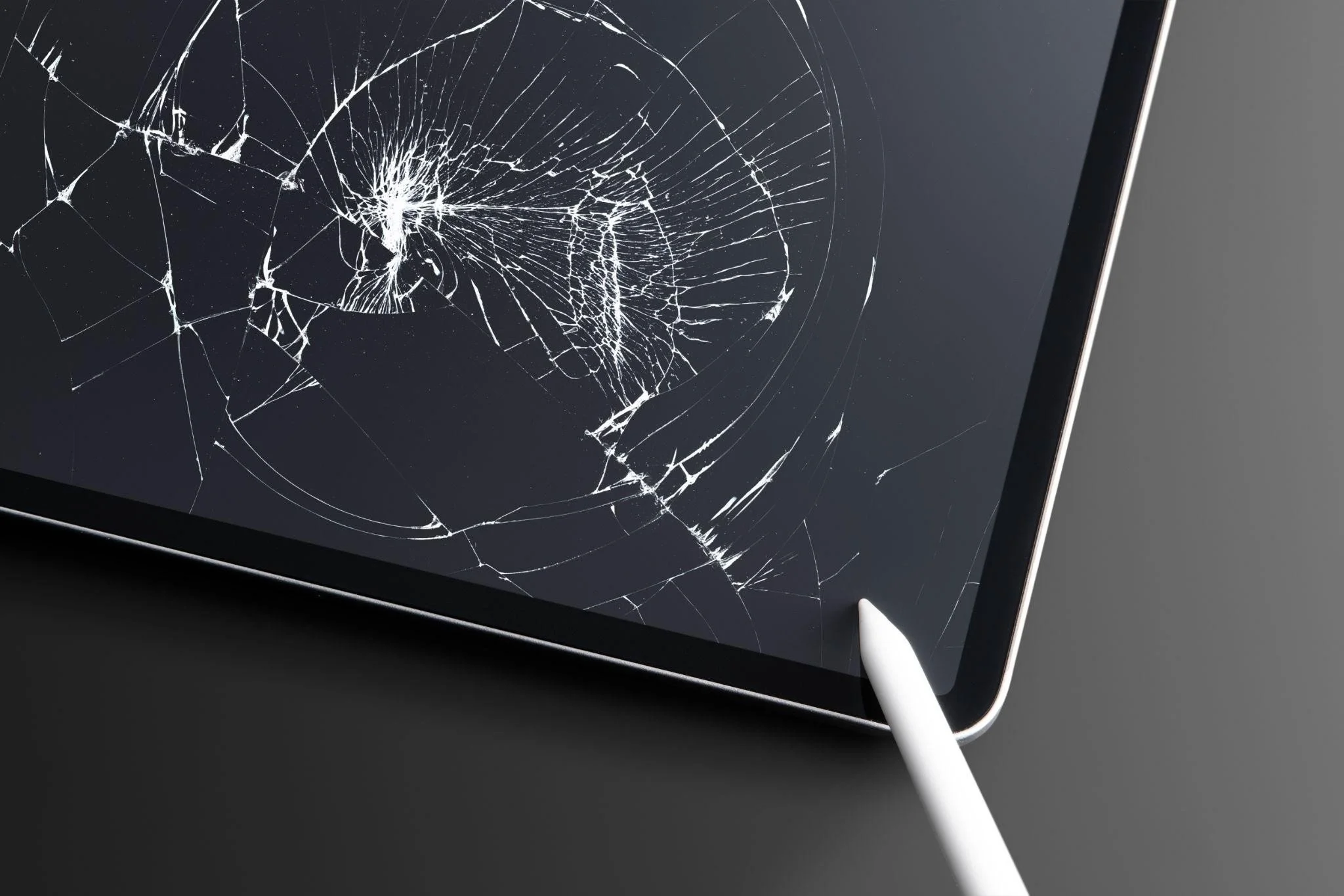
Why Your iPad Screen Broke and How to Get It Fixed Safely
It’s frustrating, annoying, and can even feel like a small disaster. But before you panic, it helps to know why screens break and how to get them fixed safely.
Dropping your iPad is the worst. One second it’s in your hands, the next it’s lying face down with a busted iPad screen. It’s frustrating, annoying, and can even feel like a small disaster. But before you panic, it helps to know why screens break and how to get them fixed safely.
Why iPad Screens Break?
iPads are sturdy, but accidents happen. Here are the main reasons screens break:
● Accidental drops: Even a tiny slip from a table or couch can crack the glass.
● Pressure damage: Sitting on it, putting heavy stuff on top, or jamming it into a bag can break the screen.
● Temperature changes: Super-hot or cold weather can weaken the glass.
● Wear and tear: Everyday scratches and bumps can make cracks more likely.
● Manufacturing defects: Rare, but some iPads have weaker spots in the glass from the factory.
Most broken screens happen from simple accidents. Knowing this can help you be more careful in the future.
Signs You Need to Change iPad Glass
Sometimes cracks are small and harmless. Other times, they need urgent attention. Look for these signs:
● Touch doesn’t work properly or has dead zones.
● Lines, black spots, or flickering appear on the screen.
● Cracks are spreading fast or the glass is loose.
● You feel sharp edges when touching the screen.
If you see these signs, it is better to act fast. Delaying can damage the internal display, which is much more expensive to fix.
What Happens When You’re Changing an iPad Screen?
Changing an iPad screen is tricky. It is not like sticking a new piece of glass on top. Here is what happens in a proper repair:
Check the damage: Technicians look at the glass and display to see what needs fixing.
Remove the broken screen: They carefully take off the cracked glass without hurting the inside parts.
Install a new screen: A high-quality replacement screen is added. It works like the original.
Test everything: Touch, display, and functions are checked.
Final clean-up: The iPad is polished and protected so it is ready to use.
Professional repairs make sure the iPad works as good as new. Trying this yourself is risky. You can break more parts and waste money.
Tips to Fix Your iPad Safely
● Avoid DIY fixes unless you know exactly what you are doing.
● Use trusted repair centers with certified parts.
● Backup your data before handing over the device.
● Ask about warranties. Some iPads still cover accidental damage.
● Handle your iPad gently after repair to avoid more cracks.
Following these steps keeps your iPad safe and saves you from bigger problems later.
How to Avoid Busted Screens in the Future
Once your iPad is fixed, you want it to last. Here’s how to protect it:
● Buy a sturdy case and screen protector.
● Keep it away from edges or unstable surfaces.
● Don’t overload your bag where the iPad is kept.
● Avoid extreme temperatures.
These small changes help prevent accidents. A little care goes a long way.
Why Choose Professional Repair Services?
Some people try to save money by fixing their iPads themselves. This often leads to more damage. Professionals have the right tools and training. They handle delicate parts safely. They also give warranties on their work, so you don’t have to worry if something goes wrong.
Proper repair shops keep your iPad safe. They also make sure it works perfectly after the job. This is much better than risking a DIY fix and having to buy a new iPad.
People Also Ask (FAQs)
1. Can I just replace the glass on my iPad?
Yes. If the LCD or display underneath is fine, you can change iPad glass only. This is cheaper than replacing the whole screen. Professional repair shops have the right tools to do it safely. Avoid doing it at home because you can break other parts.
2. How much does changing an iPad screen cost?
Prices depend on the model and repair center. Generally, changing the glass costs less than replacing the full display. Certified shops will give a clear quote upfront. Cheap services may use low-quality parts, which can cause problems later.
3. Is it safe to fix a cracked iPad screen myself?
Fixing a screen on your own is risky. You can damage the touch system or internal display. Professionals use special tools and replacement parts. They also know how to avoid static damage and keep the iPad working perfectly.
4. How long does it take to repair a busted iPad screen?
Many shops offer same-day service. Simple glass replacement can take a couple of hours. More complex repairs with LCD issues may take a day or two. Always check if the shop has the parts ready before you go.
5. Will my repaired iPad feel the same as before?
Yes, if high-quality parts are used. The touch, display, and responsiveness should feel like the original. Poor parts or cheap repairs can cause lag or dead spots. Using certified technicians ensures a smooth and reliable repair.
Connect With Us!!
A busted iPad screen can ruin your day. But understanding why it happens and getting it fixed safely can save you stress and money. Small accidents, pressure, and wear can break the glass. Acting fast prevents further damage.
When it comes to repairs, trust trained professionals. They can change iPad glass or handle full screen replacements safely. At Ufone Wireless & Electronics Ltd, we specialize in replacing an iPad screen and fixing busted iPad screens quickly. We make sure your device works like new and give it the care it deserves.
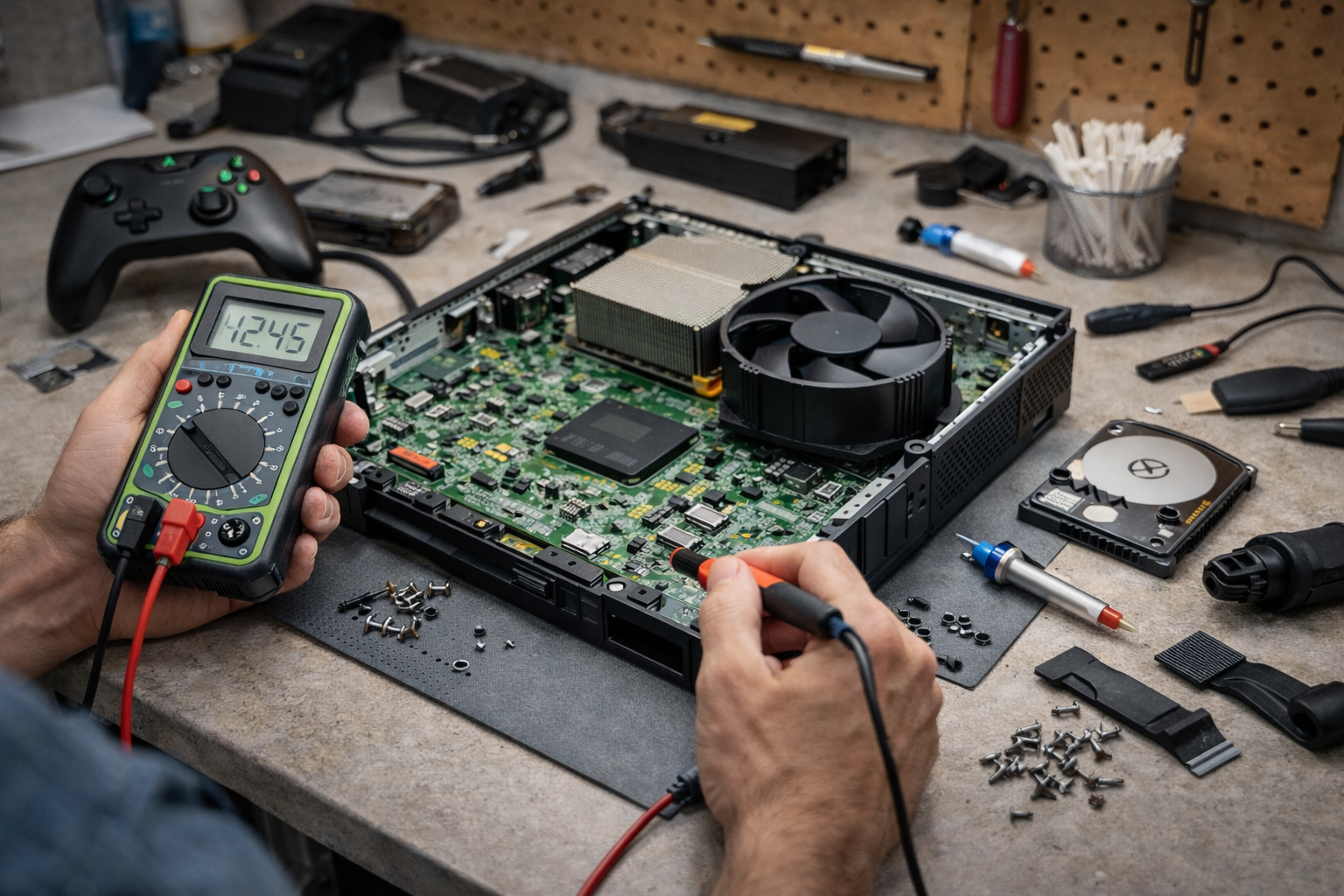
Top Signs You Need Game Console Repair Right Now
Your game console is made to bring fun, joy, and excitement. When it stops working the right way, playing games can become confusing and upsetting.
Your game console is made to bring fun, joy, and excitement. When it stops working the right way, playing games can become confusing and upsetting. Many consoles give small warning signs before they stop working completely.
Learning these signs early can help you fix the problem before it gets worse. Knowing when you need game console repair can help save your console and your favorite games.
Console Will Not Turn On
One of the biggest warning signs is when your console will not turn on at all. You may press the power button, but nothing happens. Sometimes the light turns on and then shuts off again.
This problem can happen because of power issues or broken parts inside the console. Trying to turn it on again and again can make the problem worse. A trained technician can find the real issue and fix it safely.
Console Turns Off While Playing
If your console shuts off while you are playing a game, it is trying to protect itself. This usually happens when the console gets too hot inside.
Heat can damage important parts if the problem is ignored. Cleaning the inside and fixing cooling parts should be done by professionals. This helps the console work safely again.
Loud Fan Noise or Too Much Heat
Game consoles have fans to keep them cool. If the fan becomes very loud or the console feels very hot, something is wrong.
Dust can block airflow, or parts inside may be failing. A loud fan means the console is working too hard. Professional repair can clean and fix the problem before it causes serious damage.
Games Freeze or Stop Working
Games should run smoothly. If your games freeze, stop loading, or crash often, the console may have a hardware problem.
This could be caused by storage issues or damaged parts. Restarting the console may help for a short time, but the problem usually comes back. Professional repair helps fix the real cause instead of hiding it.
Disc Drive Problems
If your console uses discs and cannot read them, that is another warning sign. You may hear strange sounds, or the disc may not go in or come out properly.
The disc drive is very delicate. Trying to fix it without experience can cause more damage. Professional repair ensures the disc drive works properly again.
Controllers Keep Disconnecting
If your controller keeps disconnecting even when it is charged, the problem may not be the controller. The issue could be inside the console.
Connection parts inside the system can wear out or become damaged. A technician can check if the console needs repair instead of replacing controllers again and again.
Error Messages Keep Showing Up
Sometimes consoles show error messages or fail to update. This can stop games from running or prevent the console from starting.
These errors often mean software or hardware trouble. Professional repair helps fix system problems safely without losing saved games.
Console Was Dropped or Got Wet
If your console was dropped or touched water, it may still turn on at first. That does not mean it is safe.
Water and physical damage can harm parts slowly over time. It is best to get the console checked right away to prevent future failure.
Slow and Laggy Performance
When menus move slowly or games take a long time to start, the console may be struggling inside.
Old parts or storage problems can cause this. Repair can help restore speed and make games fun again.
Xbox System Problems
Some Xbox consoles develop special system issues as they get older. These problems may stop the console from starting or cause frequent crashes.
Professional xbox system repair helps fix internal problems safely. Trying to open the console at home can cause more damage.
Why Professional Repair Is Important
Game consoles are complex machines. Inside are tiny parts that must be handled carefully.
Professional repair uses the right tools and skills. This helps keep your console safe and working longer. It also protects saved games and system data.
People Also Ask
How do I know if my console needs repair
If your console overheats, shuts down, freezes, or shows errors, it likely needs repair.
Can a console stop working from overheating
Yes. Too much heat can damage parts and cause the console to stop working.
Is it safe to fix a console at home
Fixing a console at home is risky without training. Professional repair is safer.
Why does my Xbox keep crashing
Crashing can happen due to internal damage or power problems that need expert care through xbox system repair.
How long does console repair take
Most repairs take a few days, depending on the problem and parts needed.
Get in Touch With Us
Game consoles often give warning signs before they stop working. Paying attention to these signs helps protect your system and your games. Choosing professional game console repair is the best way to fix problems safely and correctly.
At Ufone Wireless & Electronics LTD, we understand how important gaming is for fun and relaxation. We use our experience and care to repair consoles the right way. When your console shows signs of trouble, we are here to help you enjoy gaming again with confidence.

Can Video Game Console Repair Fix Power, Overheating, and Display Issues?
Your gaming session is about to begin. The console is connected, the controller is ready, and then nothing happens. Or worse, the screen flickers, the fan sounds very loud, and the system shuts down.
Your gaming session is about to begin. The console is connected, the controller is ready, and then nothing happens. Or worse, the screen flickers, the fan sounds very loud, and the system shuts down. These problems can feel sudden and confusing, leaving many gamers wondering if their console is beyond saving.
The good news is that many of these common problems can be fixed with the right approach and professional care. This is where video game console repair becomes helpful.
Why Game Consoles Stop Working?
Game consoles are strong machines, but they can still have problems. Power issues can happen if the power port is loose or if the inside parts are damaged. Overheating happens when dust blocks the fan or when the cooling system stops working properly. Display problems often come from damaged HDMI ports or internal video parts.
These problems may look serious, but many of them can be fixed by trained repair experts. Knowing what caused the problem helps decide the best solution.
Fixing Power Problems Safely
When a console does not turn on, many people think it is broken forever. This is often not true. Power problems can usually be fixed by repairing or replacing damaged power parts inside the console.
Professional game console repair services use special tools to fix these problems safely. They test the console before and after repair to make sure power flows correctly. Trying to fix power problems at home can be risky and may damage the console more.
How Overheating Issues Are Repaired?
Overheating is very common in game consoles. When a console gets too hot, it shuts down to protect itself. This can happen because of dust inside the console, broken fans, or old thermal paste.
Professional repair technicians clean the inside, fix or replace fans, and make sure the console can cool properly. This helps the console run longer and prevents sudden shutdowns. Ignoring overheating can cause bigger problems later.
Solving Display and Screen Problems
Display problems can make gaming impossible. You may see a black screen, flickering images, or no signal at all. These issues often come from broken HDMI ports or internal video parts.
Professionals can repair or replace HDMI ports and fix video problems using careful methods. This kind of work needs experience and steady hands. A proper repair restores clear picture quality and stable screen performance.
Why Professional Repair Is a Smart Choice?
Modern consoles have small and sensitive parts. Opening a console without training can cause more damage. Professional video game console repair helps avoid mistakes and protects important parts.
Experts know how to find the real problem and fix it the right way. They also make sure saved games and system settings stay safe. Professional repair gives better results and helps the console last longer.
When Repair Is Better Than Buying New?
Repair is a good choice when the console is not very old, and the problem is limited. Power issues, overheating, and display problems are often cheaper to fix than buying a new console.
Buying a new console costs much more and may cause loss of saved data. Repair allows gamers to continue using the console they already know and enjoy.
Get In Touch with Us
Many power, overheating, and display problems can be fixed with the right care. Choosing professional PlayStation and video game console repair services helps protect your system and saves money.
At Ufone Wireless & Electronics LTD, we provide safe and reliable repairs to bring consoles back to working condition. We focus on quality service and long-term performance so gamers can enjoy smooth and worry-free gameplay again.
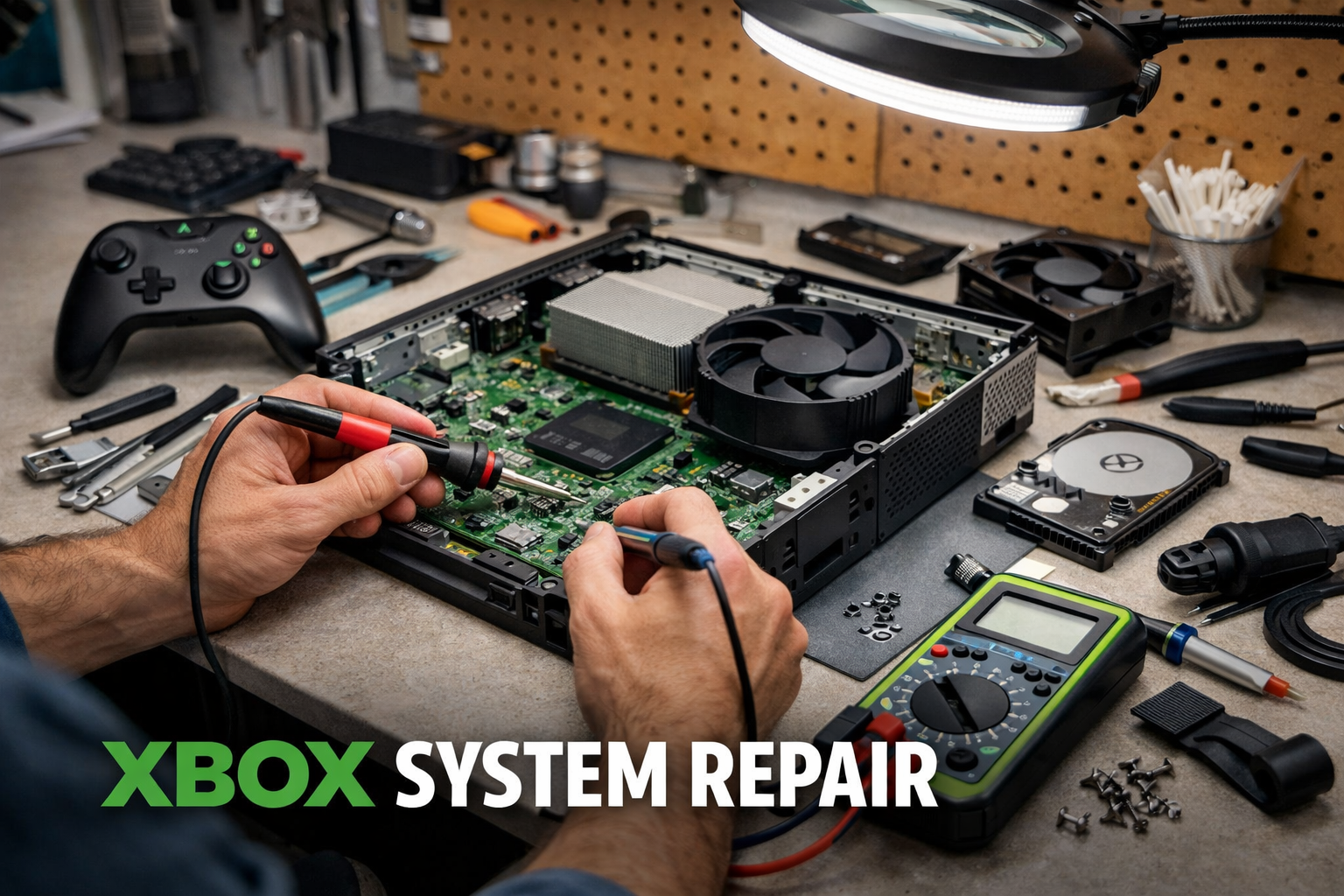
Repair Xbox Console: Common Issues and Expert Fixes Explained
Nothing is more frustrating than sitting down to play your favorite game and finding your Xbox console will not work. It may not turn on, freeze during a game, or have trouble connecting to the internet.
Nothing is more frustrating than sitting down to play your favorite game and finding your Xbox console will not work. It may not turn on, freeze during a game, or have trouble connecting to the internet.
When this happens, it is important to know how to repair Xbox console problems safely. Understanding common issues and professional fixes will help you get back to playing quickly and avoid more damage.
Common Xbox Console Problems
The Console Will Not Turn On
One of the most common problems is when the Xbox does not turn on at all. This can happen because of a broken power supply, damaged internal parts, or software issues. Trying to fix it without help can make the problem worse, so professional help is best.
Overheating
Xbox consoles get hot when you play for a long time. Overheating can make the console shut down, freeze, or even get damaged permanently. Dust inside the console or poor air flow often causes this problem. Cleaning and proper maintenance are needed to prevent overheating.
Freezing or Crashing During Games
If the Xbox stops working in the middle of a game, it may be because of corrupted game files, software problems, or broken hardware. A professional can find the exact cause and fix it so it does not happen again.
Hard Drive Problems
A faulty hard drive can make the console slow, cause games to disappear, or lead to lost data. You might hear strange clicking sounds, or the console may take a long time to start. Only experts should repair or replace a hard drive to avoid losing important data.
Connectivity Issues
Sometimes the Xbox cannot connect to the internet or controllers. This could happen because of broken ports, faulty Wi-Fi parts, or system settings. Troubleshooting these problems without knowledge can make things worse, so expert help is best.
Why Professional Xbox Repair is Important?
Some people may try to fix the console at home. However, professional repair is safer and ensures long-lasting results. Certified technicians know how to use the right tools, replace parts properly, and restore the console safely. Here are a few reasons to choose professional repair:
● Correct Diagnosis: Experts can quickly find what is wrong with the console.
● Safe Repairs: DIY repairs may damage the console or void warranties.
● Better Performance: Professionals make sure the console runs smoothly and prevents the same problem from coming back.
How Experts Fix Common Xbox Problems?
Power Supply Replacement
If the console does not turn on, professionals can replace the power supply or fix other electrical issues. Using genuine parts is important to avoid more damage.
Cleaning and Cooling
Dust inside the console can cause overheating. Technicians clean the console and may replace fans or thermal paste to keep it cool. This helps the Xbox last longer and prevents future problems.
Hard Drive Repair or Replacement
Experts handle hard drive problems carefully to prevent data loss. They can repair, replace, and recover game files. This ensures better storage and smoother performance.
Software Updates
Freezing and crashing often happen because of software problems. Professionals can update the system, fix corrupted files, and set everything correctly for smooth gameplay.
Fixing Controllers and Connectivity
Connectivity problems with controllers or Wi-Fi are solved by repairing or replacing parts like ports and antennas. This ensures stable connections and reliable online gaming.
Simple Tips to Avoid Xbox Problems
While professional repair is best for serious problems, you can take care of your Xbox to avoid common issues:
● Keep the console in a place with good air flow.
● Clean the console regularly to remove dust.
● Use a surge protector to prevent sudden power problems.
● Update games and system software regularly.
● Handle controllers and accessories carefully.
People Also Ask
1. How much does it cost to repair an Xbox console?
The cost depends on the problem. Small repairs like controller fixes are cheaper. Major repairs like hard drive or motherboard replacement cost more. Experts give a clear quote after checking the console.
2. Can I repair my Xbox console at home?
DIY repairs are risky. They may damage the console or void warranties. Professional repair is safer and gives longer-lasting results.
3. How long does Xbox repair take?
Minor repairs can be done the same day. Bigger problems may take a few days. Professionals work quickly without lowering quality.
4. Will my game data be safe during repair?
Yes. Experts protect saved games, accounts, and settings. They may also recover lost data from a failing hard drive.
5. How can I prevent my Xbox from overheating?
Place it in a ventilated area, clean it regularly, and avoid covering vents. Professional cleaning during repair also helps keep the console cool.
Connect Now
Professional repair is not just about fixing the console. It helps restore performance, keep the console reliable, and protect your games and data. Experts use real parts and the right tools to handle small and big problems. Attempting repairs yourself can lead to more issues and lost data.
At Ufone Wireless & Electronics LTD, we provide expert Xbox repair services to fix your console safely and efficiently. We check every problem, repair hardware and software issues, and make sure your console works like new.
Our team offers fast service, fair prices, and long-term reliability. Trust us for repairing Xbox consoles and keep your gaming experience smooth and enjoyable.
DIY vs Professional Hard Drive Repair: What You Should Know
Hard drives are important because they store all the data on your computer or gaming console. This includes files, games, photos, and programs.
Hard drives are important because they store all the data on your computer or gaming console. This includes files, games, photos, and programs. When a hard drive stops working, it can be very stressful. Some people try to fix it themselves, but there are risks.
Understanding the difference between hard drive repair at home and getting professional help is important to keep your data safe and your devices working properly.
Why Hard Drives Stop Working
Hard drives can fail for several reasons. Sometimes the problem is physical, like broken connectors or damaged disks inside the drive. Other times the problem is software-related, such as corrupted files, viruses, or system errors. Signs that a hard drive is failing include unusual clicking sounds, slow performance, frequent crashes, or missing files.
Gaming consoles also have sensitive parts that can fail. For example, a PS4 HDMI port repair is needed if the port that connects the console to the TV gets damaged. Without a working HDMI port, your console cannot show pictures on the screen. Repairs like this are delicate and require professional tools and skills.
What DIY Hard Drive Repair Involves
DIY, or do-it-yourself, repair means trying to fix the hard drive at home. People often try this to save money. Some software issues, like scanning for viruses or running disk checks, can be handled safely at home. There are guides online that show step-by-step instructions for simple fixes.
Risks of DIY Repair
Even though DIY can seem easy, it has many risks. Opening a hard drive in a normal home environment can allow dust or static electricity to damage it permanently. Physical problems like broken motors, scratched disks, or bent connectors are almost impossible to fix without special tools.
Even repairs on gaming consoles, like a PS4 HDMI port repair, can go wrong if attempted at home. Incorrect handling can break more parts, making the device unusable. DIY repair can also lead to permanent data loss if the problem is serious. Often, the cost to fix a device after a failed DIY attempt is higher than using professional help from the start.
Advantages of Professional Hard Drive Repair
Professional repair is safer and more reliable than DIY. Technicians have the right tools and clean environments to handle sensitive parts carefully. They can diagnose the problem accurately, whether it is a broken motor, damaged disk, or corrupted files.
Professional repair also protects your data. Experts have the skills to recover files that might otherwise be lost during a DIY attempt. They can safely handle both computers and gaming consoles, including delicate repairs like a PS4 HDMI port repair. Professionals provide a warranty on their work, which gives extra protection and peace of mind.
Using a professional service saves time and reduces stress. You do not need to worry about making mistakes or causing more damage. Your hard drive or console is repaired correctly the first time.
When DIY May Be Okay
Some problems can be safely handled at home. For example, software issues such as running disk checks, scanning for viruses, or restoring deleted files can often be done without professional help. Even updating firmware or backing up files is usually safe.
However, once there is physical damage, unusual noises, or repeated crashes, DIY should stop. The risk of permanent data loss is too high. In these cases, professional repair is the best choice.
When You Should Choose Professional Repair
Professional repair is the right choice when:
● There is physical damage to the hard drive
● The device is making strange noises or not working properly
● You need to recover important data
● Repairs involve delicate parts, like HDMI ports on consoles
● A DIY attempt has already failed
Professional services reduce the chance of mistakes and provide a higher success rate for both recovery and repair. This means your devices will work properly and your data will be safer.
Tips for Choosing a Professional Repair Service
Choosing the right repair service is important. Look for these qualities:
● Experience in hard drive and electronics repair
● High-quality tools and replacement parts
● Clean-room facilities for delicate repairs
● Clear pricing and communication
● Positive reviews from previous customers
A good repair service will not only fix your device but also offer advice to prevent problems in the future. This helps your computer or console last longer and perform better.
People Also Ask
1. Can I fix my hard drive at home?
Minor software issues can be fixed at home, but physical damage should always be repaired by professionals to avoid data loss.
2. How much does professional hard drive repair cost?
Costs vary depending on the problem and device. Reliable services provide a clear estimate before starting repairs.
3. Can professionals recover all my files?
While professionals increase the chances of recovery, very severe damage may prevent complete file restoration.
4. Can I repair a PS4 HDMI port myself?
Repairing an HDMI port is risky. Professional technicians have the skills and tools to fix it safely.
5. How long does hard drive repair take?
Minor repairs may take a few hours, while data recovery or more complex repairs can take a few days.
Get in Touch with Us
DIY repair may seem tempting, but it carries many risks. Physical damage, delicate parts, and the chance of losing important files make professional repair the safer choice. Services like a PS4 HDMI port repair show how complex some repairs can be and why skilled technicians are needed.
For safe, fast, and reliable repairs, trust the experts at Ufone Wireless & Electronics LTD. We provide professional hard drive repair, console repair, and electronics services. Our team ensures your devices are handled with care and restored to full functionality.